Repurpose Video Testimonials for Maximum ROI
Learn how to repurpose video testimonials into high-converting content for your site, ads, email, and sales to drive more trust and bookings.
If you’re juggling patient calls, client reviews, and a calendar that never seems to quit, here’s a stat worth pausing for: people who watch a testimonial are more likely to convert than those who don’t. Video testimonials tap into something raw and human, real faces, real voices, real stakes, and that trust doesn’t just feel good, it feeds your pipeline and even boosts SEO by keeping people on your site longer. The fun part is you don’t need to keep filming new content: when you repurpose video testimonials the right way, one happy client story can turn into weeks of high-performing content across your website, ads, email, social, and sales follow-ups… and that’s exactly what you’re about to steal.
Key Takeaways
- When you repurpose video testimonials, one strong client story can fuel weeks of high-converting content across your website, ads, email, social, and sales follow-ups without filming anything new.
- Tag each testimonial by persona, pain point, and outcome so you can instantly find and deploy the perfect proof clip for any campaign or stage of the buyer journey.
- Create multiple edits from each video—a short core cut, several 10–30 second clips, and quote cards—and match them to the right channels and formats for maximum conversion impact.
- Focus your edits on fast hooks, clear outcomes, clean audio, captions, and channel-appropriate aspect ratios so repurposed video testimonials keep attention and build trust quickly.
- Track performance with on-site conversion rates, assisted conversions, and A/B tests so you can double down on the specific clips, angles, and placements that reliably close more deals.
Why Repurposing Video Testimonials Drives More Conversions (Without New Filming)
You probably already have more gold on your hard drive than you think.
Those 3–4 customer videos you recorded last year? They’re not “done.” They’re underused assets that can keep working for you day after day, if you slice and distribute them right.
Here’s the thing: when someone is about to choose a financial advisor, a new dentist, or a real estate agent to handle a six-figure decision, they don’t want more clever taglines. They want proof.
Video testimonials give you:
- Conversion power – Industry data shows visitors who watch testimonials are often more likely to take action. Add a short clip near your “Book a Call” button and you’ll literally see more people cross that line.
- Trust on sight – Around 9 out of 10 people trust real customer reviews way more than your own marketing copy. A shaky iPhone video of a real client usually beats a polished brand ad.
- SEO lift – When you embed video, people stick around longer. That extra dwell time tells Google, “Hey, this page is useful,” which nudges your rankings up.
Now layer repurposing on top.
Instead of filming new content every month, you:
- Pull a 10-second “before/after” quote for your homepage.
- Trim a 20-second objection-busting clip for retargeting ads.
- Grab a 30-second emotional story for your nurture emails.
Same original video. Three different places, three chances to convert.
That’s the leverage effect, treating each testimonial as a multi-channel conversion asset, not a dusty “About Us” video that sits on one lonely page.
And if you’re using modern video testimonial tools such as Vidlo (or a done-for-you platform like Share One), that repurposing process takes minutes instead of hours.
The Repurposing Framework: A Simple Workflow That Scales
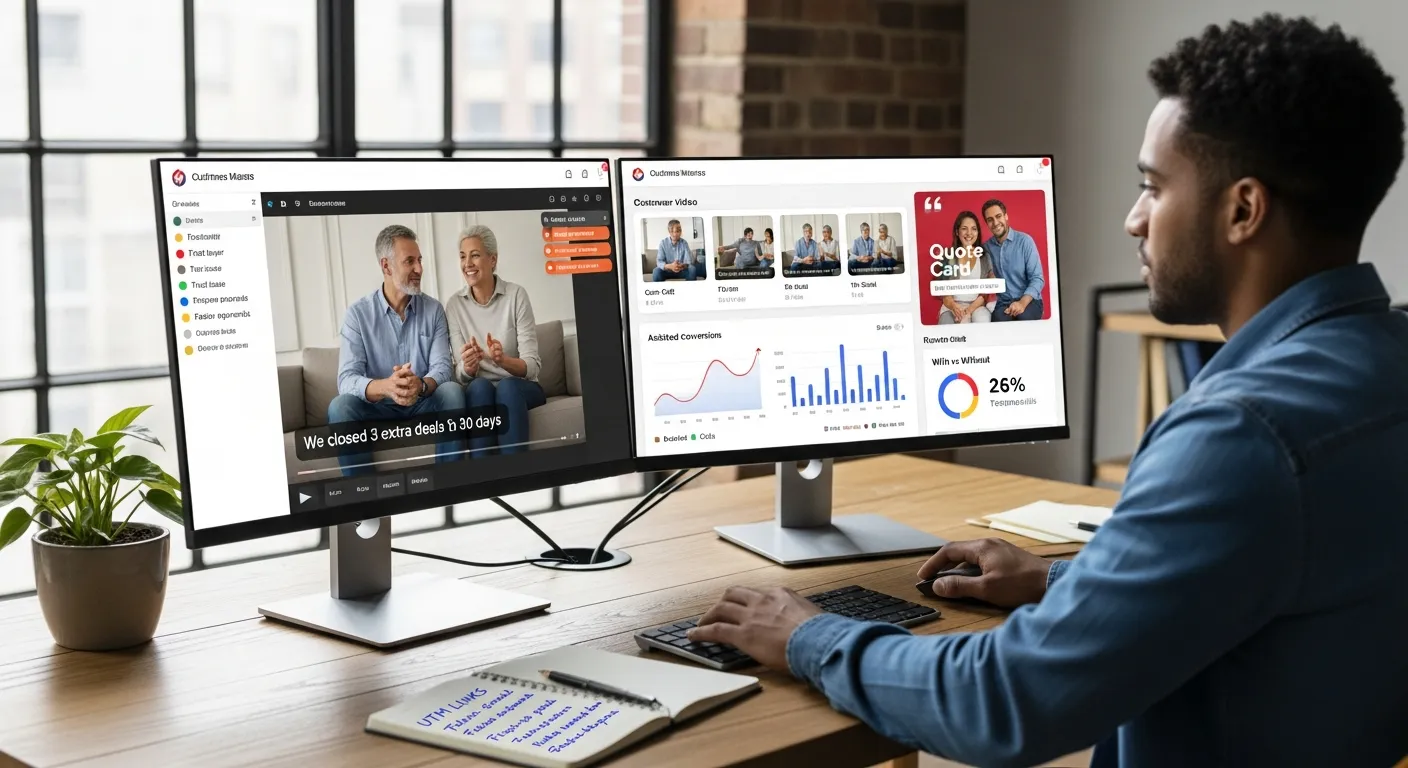
Let’s keep this simple enough that you could hand it to a VA or a junior marketer tomorrow.
Here’s a dead-easy framework you can run every time you get a new customer video.
1. Collect: Start with strong raw proof
Not all footage is worth editing.
You want testimonials where your client:
- Opens with a clear statement: “We closed 3 extra deals in 30 days.”
- Mentions the problem they had.
- Shows the outcome you helped them get.
For a small practice or local brokerage, this might be a client saying, “I’d been burned by two lenders before this… then we finally closed on our home in 21 days.”
Platforms like Share One make this easier by sending clients a simple link, prompts, and recording tools so you’re not chasing people or dealing with giant files.
2. Tag: Label by persona, pain, and outcome
This is the secret sauce most people skip.
Tag each testimonial with:
- Persona – first-time buyer, small business owner, parent, retiree, etc.
- Pain – overwhelmed by options, scared of cost, skeptical of online care, etc.
- Outcome – more leads, fewer no-shows, faster approvals, better recovery.
Now, when you’re building a campaign, you don’t guess, you search: “First-time buyer + trust issue” and grab the perfect clip.
3. Edit: Create multiple versions
From one raw video, aim to create:
- 1 core cut (60–120 seconds) for your website.
- 2–3 short clips (10–30 seconds) for social and ads.
- 1 quote card (a strong sentence over their photo) for email and landing pages.
Keep it tight. Research shows under 2 minutes is the sweet spot. Most of what you’ll cut is the “setup”, the small talk, the “ummm,” the camera adjustments.
4. Distribute: Match clip to channel
Don’t blast the same exact video everywhere.
Match the format and message to where someone is in the journey:
- Cold traffic? Use a curiosity-driven 15-second win.
- Warm leads? Use deeper, story-style proof.
You’ll see why when we break it down by channel in the next section.
5. Measure: Track assisted conversions, not just views
Views are vanity.
What you really care about:
- How many people who watched the clip later booked a call.
- Whether pages with testimonials convert better than those without.
- How many deals closed after prospects received a testimonial in a follow-up email.
Add simple tracking: UTM tags on links, “How did you hear about us?” on forms, and basic dashboard views inside your CRM or ad platform.
6. Iterate: Double down on what works
When you see one 12-second clip quietly helping close deals, don’t just smile and move on.
Turn that pattern into a playbook:
- Same angle, different client.
- Same objection, different persona.
- Same structure, adapted for another service.
That’s how a handful of great testimonials become a scalable asset, not a one-off win. For a step-by-step breakdown of how to polish your customer stories, refer to this testimonial video editing checklist.
Best Ways to Repurpose Video Testimonials (By Channel)
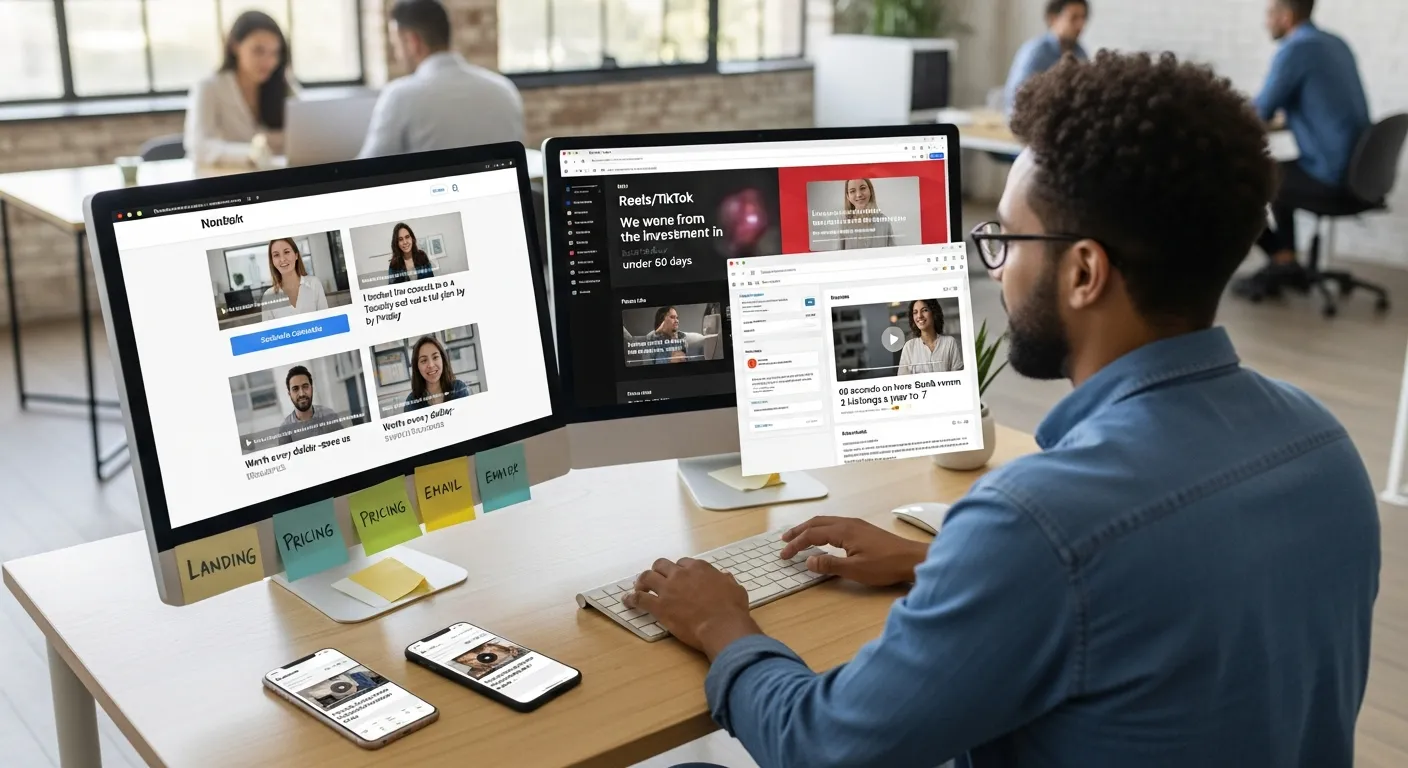
You don’t need to be on every platform, you just need to squeeze the most out of the ones that already bring you leads.
Website: Landing Pages, Pricing Pages, Checkout
Picture a visitor hovering over your “Schedule Consultation” button, cursor kind of jittering like they’re half in, half out.
Right next to that button, they see a 20-second video: a client who sounds exactly like them saying, “I booked the consult on a Tuesday and we had a full plan by Friday.”
That’s where testimonials do their best work, right at decision points.
Smart placements:
- Landing pages – A short video beside your main CTA to reassure new visitors.
- Pricing pages – Clips that mention “worth the money,” “fair fees,” or “saved us thousands.”
- Checkout/booking pages – Tiny, 10-second reassurance videos about speed, support, or ease.
You can also repurpose your videos into quote cards or pull-quote snippets under each package.
Paid Ads: Prospecting and Offer Proof
Cold traffic doesn’t trust you yet.
But they might trust another human who looks and talks like them.
Turn short clips into paid advertising testimonials:
- Lead with the hook in the first 1–2 seconds: “We went from zero leads to a waitlist.”
- Use native aspect ratios: 9:16 for Reels/TikTok/Stories, 1:1 or 16:9 for feeds.
- Keep it raw, slightly imperfect feels more real than a studio shoot.
You’re not trying to tell the whole story here. You’re just trying to earn a click.
Retargeting: Objection-Crushing Testimonial Clips
This is where things get fun.
Create a short list of your top objections:
- “Is this worth the price?”
- “Will this work in my industry?”
- “Is this legit or some flaky online thing?”
Then match each objection with a specific clip:
- A finance client saying, “I made back the investment in under 60 days.”
- A healthcare patient saying, “I was nervous about telehealth… but it felt like being in the room.”
Run these clips as retargeting ads only to people who visited key pages or started checkout.
You’re not selling from scratch, you’re just removing the last brick from the wall.
Email Marketing: Humanize Nurture and Win-Back Campaigns
If your nurture emails are mostly text and stock photos, you’re leaving a lot on the table.
Drop a thumbnail from a testimonial right in the middle of your email marketing message, face, play button, and a short caption like:
“60 seconds on how Sarah went from 2 listings a year to 7.”
Great use cases:
- Onboarding – “Here’s what other new patients experienced in their first month.”
- Win-back – “Why one past client came back after trying a cheaper option.”
- Launches or promos – “Listen to how this package felt on the client’s side.”
Click-through usually jumps when people see a real person instead of another banner.
Social Media: Organic Reach and Paid Amplification
Social is your “always-on” trust machine.
Use customer testimonials on social media: chop your testimonials into snack-sized clips (10–30 seconds) and post them as:
- Reels / Shorts / TikToks.
- Carousel posts with a quote on slide 1 and a clip on slide 2.
Assume a lot of people are watching on mute, so add captions and use strong on-screen text:
“From 3 no-shows a week… to zero.”
Mix more polished edits with simple, UGC-style cuts that look like they came straight from your client’s phone.
Sales Enablement: Accelerating Deals
If your sales calls feel like you’re repeating the same proofs over and over, this is for you.
Create a small testimonial library your team can search by industry, pain point, or package.
Then:
- Drop a relevant clip in your proposal deck.
- Send a follow-up email: “Thought you’d like to hear from another clinic we helped with this exact problem.”
A lot of deals stall because people are scared of being the first.
Video proof quietly tells them, “You’re not.”
Not quite sure where to repurpose your testimonials? Check out our Where to Use Video Testimonials guide.
Turn Multiple Testimonials Into a Compilation or Montage (High-ROI Format)
Think of a testimonial montage as your highlight reel, not one client, but a chorus.
Instead of making someone watch a 5-minute video from a single person, you stack short, punchy clips:
“We cut our ad spend in half.”
“I finally stopped chasing no-show patients.”
“We closed our first cash buyer in 3 weeks.”
All in under 90 seconds.
When do compilations outperform single testimonials?
- When you want to show range: different ages, industries, locations.
- When your offer feels risky and people need more than one data point.
- When you’re running top-of-funnel campaigns and need big emotional impact fast.
A simple structure that works:
- Hook (0–5s) – Fast cuts of before/after claims.
- Context (5–20s) – A few words on who you serve and what you solve.
- Proof stack (20–70s) – Quick hits from 5–8 clients, each 3–7 seconds.
- Call to action (last 10–20s) – On-screen text: “Ready for your version of this? Book a consult.”
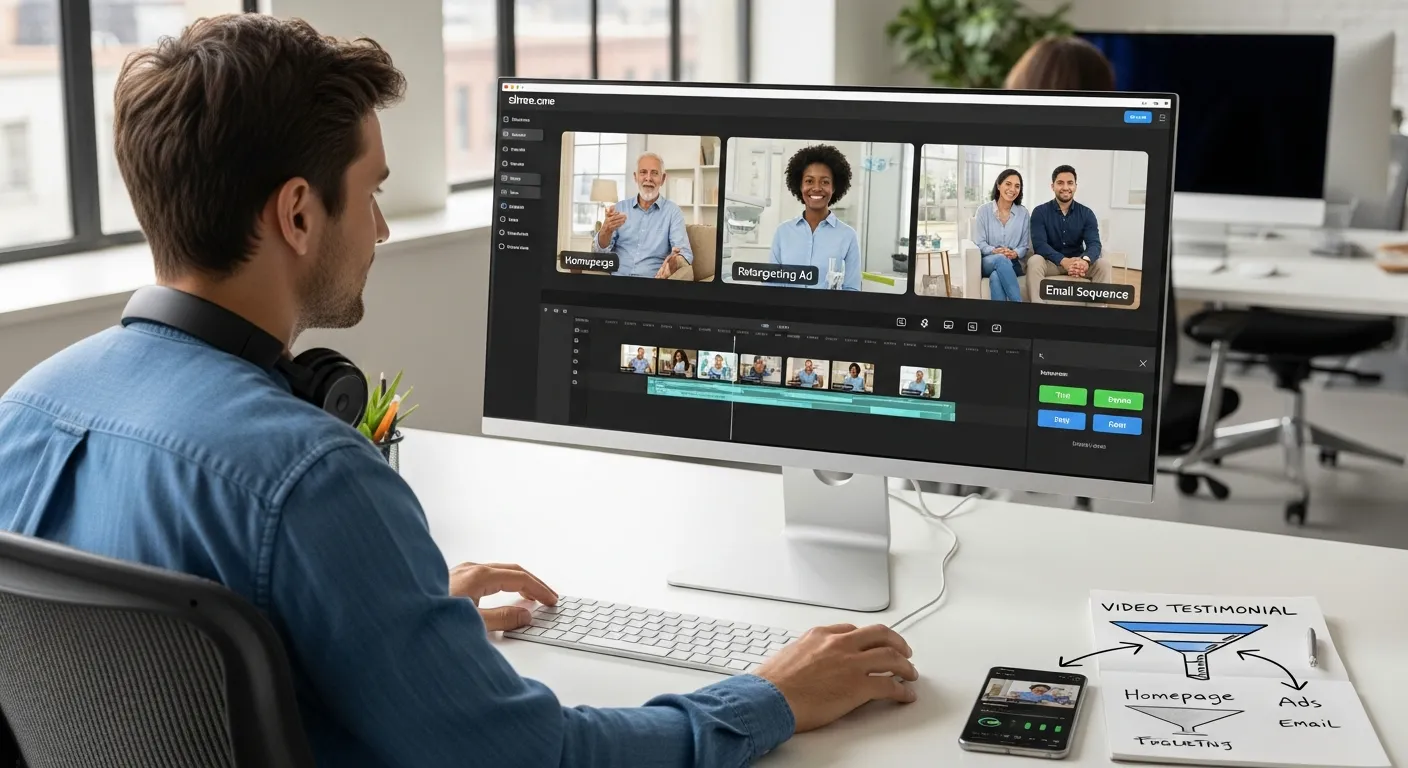
Here’s where a platform like Share One quietly shines: it lets you search across all your past videos, drag your best bits onto a timeline, and turn a messy folder of files into a polished montage, without becoming a full-time editor.
If you’re in a trust-sensitive space like healthcare or finance, this kind of “proof collage” can feel like walking into a busy waiting room… and realizing everyone there already chose you.
Measure how your testimonial impacts your ROI with our How to Measure Video Testimonial ROI guide.
Edit Rules That Make Repurposed Testimonials Convert
You don’t need Hollywood.
You do need a few simple rules.
1. Hook fast, first 1–2 seconds
If the video opens with “Hi, my name is…,” you’ve already lost half the scrollers.
Open on a line like:
- “We were bleeding $10,000 a month in lost deals.”
- “I hated going to the dentist… then this happened.”
Names and intros can come later, if at all.
2. Cut the fluff, keep the feeling
Delete:
- Long backstories that wander.
- “Can you hear me?” moments.
- Tech setup.
Keep:
- The pain moment.
- The turning point (finding you).
- The clear outcome.
Authenticity beats polish, but bad audio kills trust, so use a basic mic when you can and clean up background noise.
3. Always add captions and context
Most people watch on mute, especially on mobile.
Use captions and short on-screen overlays like:
- “Therapist in Austin, TX – cut cancellations by 40%.”
- “First-time buyer, closed in 32 days.”
This is where the better video testimonial tools make life easier, automatic captions, easy text overlays, and template CTAs.
4. Match aspect ratio to channel
- 9:16 – Stories, Reels, TikTok, YouTube Shorts.
- 1:1 – Instagram/Facebook feeds.
- 16:9 – YouTube, website embeds, webinars.
A quick resize can be the difference between “meh” and “why are we suddenly getting so many calls?”
5. Align the CTA with intent
Don’t ask for marriage on the first date.
- On social: “Watch the full story” or “See how this works.”
- On landing pages: “Book a free consult” or “Check availability.”
- In sales follow-ups: “Reply with a time that works for you.”
You’re always guiding the viewer to the next small step, not shoving them to the bottom of the funnel in one go.
What Not to Do When Repurposing Testimonials
A few landmines to avoid so you don’t tank good content.
Don’t post full-length videos everywhere
Your 6-minute testimonial might be perfect on a dedicated case study page.
On Instagram? In a cold ad? In an email? It’s overkill.
Chop it into moments.
Don’t reuse the exact same edit on every channel
The 90-second cut that works on your homepage will flop as a TikTok.
Same story, different outfits.
Don’t ignore consent and compliance
Especially in healthcare and finance.
Make sure you have:
- Written permission to use the video in marketing.
- Any required disclosures for your industry.
Platforms like Share One build consent flows into the process so you’re not stuck hunting down emails later.
Don’t optimize for views over conversions
A fancy montage with dramatic music that gets 50,000 views but zero calls is just… vanity.
Favor clips that:
- Talk about concrete outcomes.
- Mention timelines and numbers your buyers care about.
You’re not trying to be a filmmaker, you’re trying to grow revenue.
Don’t over-script your clients
Overly perfect lines feel fake.
Give people a simple prompt, let them talk like humans, and edit later. Slightly messy is often more believable.
Tracking ROI From Repurposed Testimonials
If you’re even a little data-driven, this is the fun part.
You want to be able to say, “These three videos helped close 17 new clients this quarter.”
Start by watching a few key metrics:
- On-site conversion rate – Compare your landing page with and without a testimonial block.
- Click-through rate (CTR) – For emails and ads featuring a testimonial vs those without.
- Assisted conversions – How many deals involved at least one touchpoint with a video.
- Sales velocity – Are deals closing faster when prospects see testimonials early?
Set up small experiments:
- A/B test a pricing page with a testimonial video near the packages vs none.
- Run two retargeting ads, same audience, one testimonial, one plain promo.
You’ll usually see the testimonial version quietly outperform.
Tools like Share One tie this to real outcomes in their case studies, which is why their users often rave in Share One reviews about “finally seeing what’s moving the needle.”
Once you spot a winner, bake it into your core funnels instead of treating it like a one-off test.
Repurpose-Ready Testimonial Checklist
Before you spend time editing, run each video through a quick gut check.
You’re looking for clips that are:
- Clear to use – You have permission, and it’s safe from a compliance standpoint.
- Strong from the start – The first sentence means something (“We were drowning in paperwork”), not small talk.
- Outcome-focused – They mention concrete results: more leads, faster closings, fewer no-shows, less stress.
- Audible and watchable – Audio is clean, framing is decent, and you can see their face.
- Editable – You’ve got the original file, not a blurry screen recording from someone’s story.
If a clip passes that test, tag it and drop it into your repurposing workflow.
Even one solid testimonial can fuel:
- A hero video on your homepage.
- Two or three short-form social posts.
- A retargeting ad.
- A sales follow-up link.
That’s a lot of mileage from one honest conversation.
Final Thoughts: Turn Testimonials Into a Growth Engine
You don’t need a studio, a scriptwriter, or a full marketing department.
You need real customers on camera, a simple plan to repurpose video testimonials across your funnel, and tools that don’t eat your week every time you want a new edit.
When you treat each story as a multi-channel asset, not just a pretty video buried on your About page, you:
- Stand out in crowded markets like healthcare, finance, and real estate.
- Build trust before you ever hop on a call.
- Turn the marketing you’ve already paid for into ongoing revenue.
If you want the “do this for me” version instead of cobbling tools together, a full-service platform like Share One takes you from invite link to finished clips, montages, and ready-to-launch assets without the editing rabbit hole.
Start small: pick one great client story, run it through the framework above, and give it a week in your funnel.
Then double down.
Start building trust today with Share One→
Frequently Asked Questions
What does it mean to repurpose video testimonials?
To repurpose video testimonials means taking one customer video and turning it into multiple assets for different channels. For example, you might create a 60–120 second website cut, short social clips, quote cards for email, and objection-busting snippets for retargeting ads, all from the same original testimonial.
How do I repurpose video testimonials to increase conversions on my website?
Place short testimonial clips near key decision points, like “Book a Call,” pricing sections, or checkout pages. Use 10–30 second videos that mention specific outcomes, timelines, or value for money, and support them with quote cards or pull quotes under each package to reinforce trust and reduce hesitation.
What’s the best way to repurpose video testimonials for social media and ads?
Create multiple short, platform-native clips from each testimonial. Use 9:16 for Reels, TikTok, and Shorts; 1:1 or 16:9 for feeds. Hook viewers in the first 1–2 seconds, keep clips under 30 seconds, add captions, and focus each video on one clear win or objection you’re addressing.
How can tools like Share One help with repurposing video testimonials?
Platforms like Share One streamline the entire workflow. They let you request testimonials via a simple link, capture video with prompts, auto-generate captions, and search by persona or pain point. You can then quickly trim clips, resize for each channel, and even build highlight montages without needing pro editing skills.
How do I track ROI from repurposed video testimonials?
Track impact beyond views. Compare conversion rates on pages with and without testimonials, monitor CTR in emails and ads that feature video proof, and measure assisted conversions in your CRM. Use UTM tags, simple “How did you hear about us?” fields, and A/B tests to see which clips drive more booked calls.
How many video testimonials do I need before I start repurposing them?
You can start repurposing with just one strong video testimonial. One good story can fuel a homepage hero video, several short-form social posts, a retargeting ad, and a sales follow-up asset. As you collect more testimonials, tag them by persona, pain, and outcome to build a scalable, searchable proof library.