Turn Your Video Testimonial Library Into Revenue
Learn how a structured video testimonial library boosts trust, accelerates sales, improves SEO, and see how Share One turns clips into revenue.
You’ve probably seen the stat: businesses using video testimonials see conversions increase up to 89%, and yet most treat their customer videos like digital junk in a random Google Drive folder. If you’re in healthcare, finance, or real estate, where trust makes or breaks the deal, leaving those stories scattered is like leaving money on the table. A well-built video testimonial library doesn’t just store proof: it puts the right voice, in front of the right prospect, at the exact right moment, boosting conversions, speeding up sales cycles, and quietly helping your SEO every single day.
So let’s talk about how you turn your scattered clips into a revenue engine, what structure works, and how a service like Share One makes the whole thing way easier than doing it alone.
Key Takeaways
- A structured video testimonial library turns scattered customer videos into a revenue asset by boosting proof velocity and speeding up trust on sales calls.
- Organize your video testimonial library by industry, persona, and outcome, then layer in objection, outcome, deal-stage, and offer tags so sales can instantly find the perfect story.
- Consistent naming conventions and consent metadata (permissions, channels, expirations) keep your testimonial system compliant, searchable, and usable at scale, especially in regulated fields.
- Sales and marketing teams should actively use the library across calls, emails, landing pages, and ads while tracking views, watch time, and conversion lift to double down on what actually moves deals.
- A done-with-you service like Share One combines human-led interviewing, smart tagging, hosting, and analytics to build a testimonial library that consistently drives revenue instead of sitting idle in cloud storage.
Why a Video Testimonial Library Is a Revenue Asset (Not Just Storage)
Picture this.
A warm lead is on a call with you, almost ready to move forward.
They lean in and say: “This all sounds great… but has this worked for someone like me?”
If your answer is, “Uh, let me see what I can find and email you after,” you’ve just slowed the deal down.
That time gap is where momentum dies.
A video testimonial library fixes that. It’s not just a folder of random MP4s, it’s a revenue asset because it increases what sales teams call proof velocity:
How fast can you put the right proof in front of the right person at the right moment?
When proof velocity is high, three things happen:
- Prospects trust you faster.
- Objections get handled in your customer’s voice, not yours.
- Deals move through the pipeline instead of stalling in “thinking about it” land.
If you treat testimonials as sales enablement infrastructure, not marketing “nice-to-haves”, every new video you capture becomes an asset that can be reused in:
- Sales calls and follow‑ups
- Landing pages and nurture emails
- Retargeting ads and webinars
One good story from a patient, a borrower, or a home buyer doesn’t just convince one person. When it’s easy to find, slice, and share, that same story can help close dozens of similar deals over months or even years.
That’s why this isn’t about “having video.” It’s about building a system that makes those videos work for your revenue, day in and day out.
What a Video Testimonial Library Is (and Why It Increases Conversions)
Let’s clear something up:
A video testimonial library is not:
- A messy Dropbox full of filenames like final_v2_really_final.mp4.
- A pretty gallery on your site where you dump every customer video you’ve ever recorded.
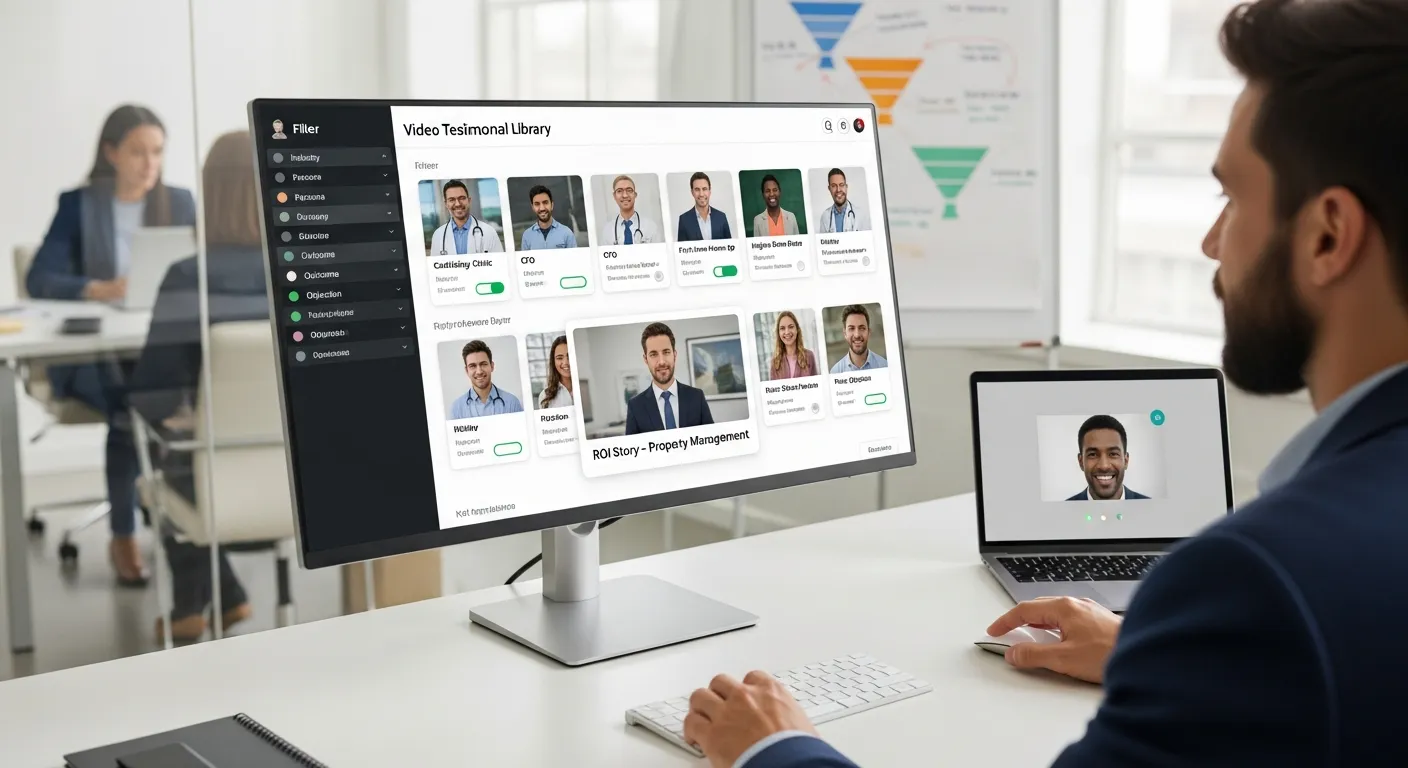
A real video testimonial library is a structured, searchable repository of customer stories.
You can quickly filter by:
- Industry (cardiology clinic, mortgage broker, property management)
- Persona (CFO, first‑time home buyer, small practice owner)
- Outcome (faster approvals, more qualified leads, higher show‑up rates)
- Objection (price, risk, switching providers)
This is where relevance beats volume.
You don’t need 300 videos to close a deal, you need three that feel eerily similar to your prospect’s situation.
That’s why a good testimonial video library increases conversions:
- It puts extremely relevant proof in front of people when they’re on the fence.
- It matches the stage of the funnel, short emotional wins at the top, detailed ROI stories near the bottom.
- It quietly boosts SEO because visitors stick around to watch, which improves dwell time and sends good signals to search engines.
A common misconception is: “We just need more testimonials.”
What you need is organized testimonials.
If you’re already experimenting with video testimonial tools or even the best video testimonial software 2025 lists, the big leap isn’t just capturing videos, it’s organizing them in a way your sales and marketing teams can use in real time.
The Best Way to Structure Your Testimonial Library
You don’t need some monstrous enterprise system to start.
You just need a structure that won’t collapse the moment you hit 50+ videos.
Here’s how to build a library that scales.
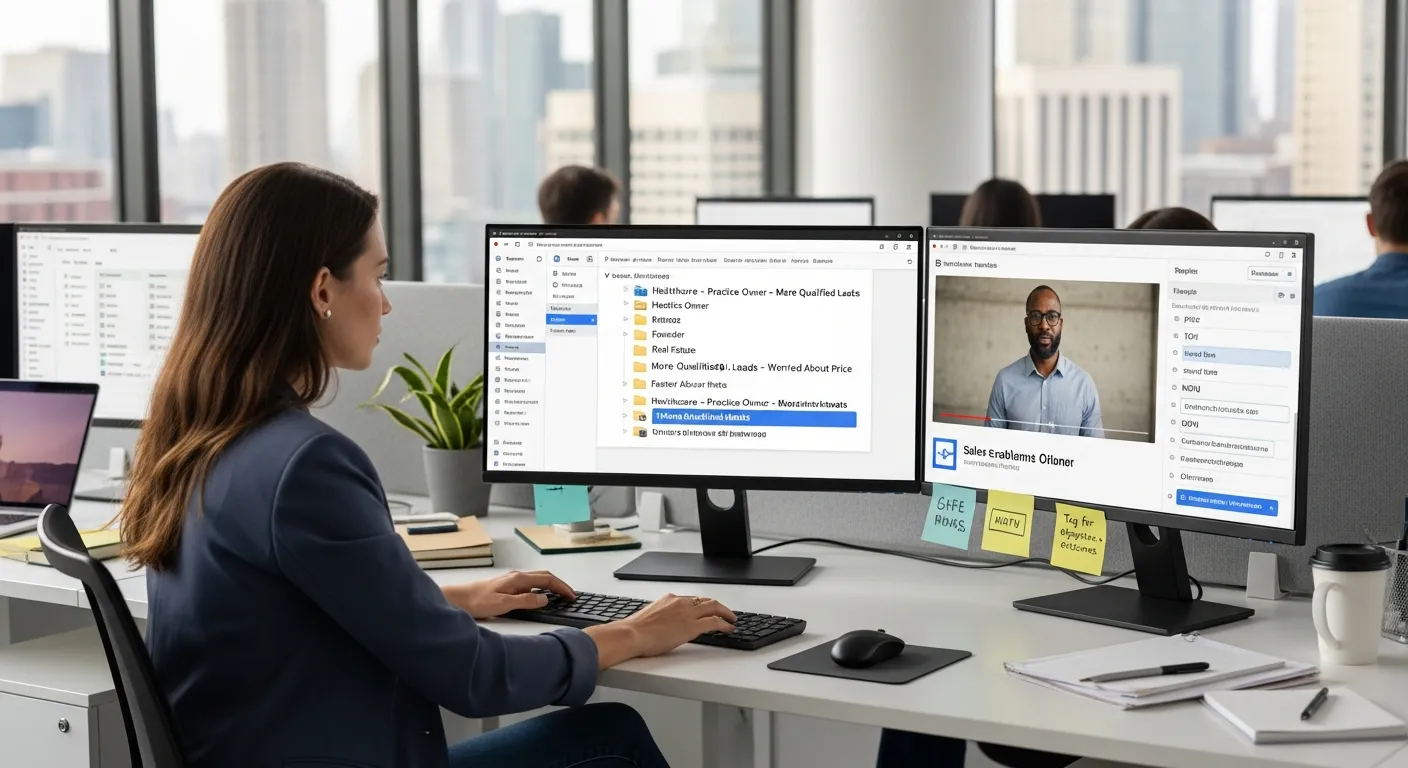
Core Library Architecture (Folders That Scale)
Most people start with funnel stages:
- TOFU
- MOFU
- BOFU
Sounds smart… until you add 20 more videos and no one can remember where anything lives.
Instead, build your top-level folders around how your customers see themselves:
1. Industry
Healthcare, Finance, Real Estate, SaaS, etc.
2. Persona
Within each industry: Founder, CMO, Operations Director, First‑time Buyer, Landlord, etc.
3. Use Case / Outcome
“Increase referral patients,” “Improve loan approval speed,” “Sell listings faster,” and so on.
Simple version of your folder tree:
- Healthcare
- Practice Owner
- More qualified leads
- Higher show‑up rates
- Finance
- Founder / Advisor
- Close more high‑ticket clients
- Shorter sales cycle
- Real Estate
- Agent / Broker
- Faster closings
- Above‑asking offers
Salespeople think: “I’m talking to a small clinic owner who wants more qualified patients.”
They click: Healthcare → Practice Owner → More qualified leads …and there it is.
Fast. Obvious. Usable.
Tags That Matter for Revenue (Not Vanity)
Folders are your bones.
Tags are your nervous system, they connect everything so sales and marketing can move quickly.
Skip vanity tags like “smiling” or “great b‑roll.” Tag for money moments instead:
- Objection‑based tags
price, risk, switching vendors, timing, complexity
- Outcome‑based tags
ROI, saved time, increased leads, higher close rate, patient trust
- Deal‑stage tags
TOFU (awareness stories), MOFU (evaluation & education), BOFU (detailed, number‑heavy wins)
- Offer / product tags
Specific package names, service lines, or programs you sell.
These become your testimonial tagging system, the backbone of your whole library.
When someone on your team types “price + BOFU + real estate,” they should instantly see clips where a client says, on camera, “We thought it was expensive… then we saw we’d made it back in 2 months.”
Naming Conventions That Stay Clean Over Time
The thing that silently kills libraries?
Inconsistent names.
One person writes DrSmith_final.mov… someone else writes 2024-03-12-cardiology-testimonial-long.mp4… and within a year it’s chaos.
Steal this simple naming formula:
[Industry] – [Persona] – [Primary Outcome] – [Main Objection]
Examples:
- Healthcare – Practice Owner – More Qualified Leads – No Time For Marketing
- Finance – Founder – Higher Close Rate – Worried About Price
- Real Estate – Agent – Faster Closings – Switching From Current Vendor
Is it a little nerdy? Yes.
Does it save you hours later? Also yes.
Copy/paste that template and make it the rule for everyone who uploads videos.
Table: Tag Type → Examples → Where Used
Here’s a quick reference so your team uses this system:
Tag TypeExample TagsWhere You’ll Use Them
Objectionprice, risk, switching, timingSales calls, follow‑up emails, battlecards
OutcomeROI, saved time, more leads, trustLanding pages, case study pages, webinars
Deal StageTOFU, MOFU, BOFUAd campaigns, nurture sequences, SDR scripts
Offer / Product“Growth Retainer”, “Premium Package”Proposal decks, pricing pages, upsell emails
If you want this to drive revenue, build your library for sales enablement first, marketing aesthetics second.
How Sales Teams Use a Testimonial Library to Close Deals Faster
Let’s walk through a real scenario.
You’re a financial advisor on Zoom with a skeptical prospect.
They say, “We’ve worked with advisors before and didn’t see results.”
Instead of launching into a defensive monologue, you say:
“Totally get that. Let me show you a 60‑second clip from another founder who felt the same way.”
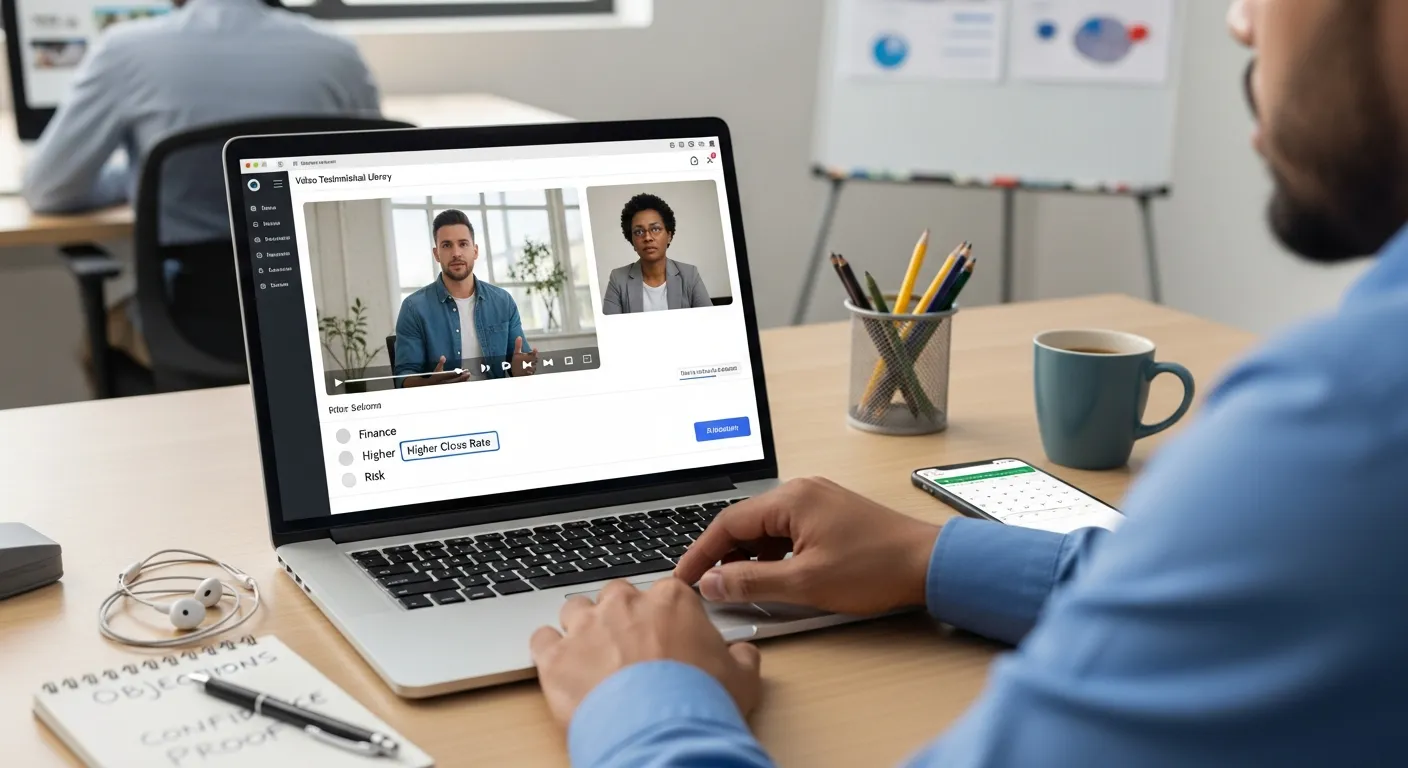
You pull up your testimonial library, filter by:
Finance → Founder → Higher Close Rate → risk, hit play, and let your client handle the objection.
That’s the magic.
Sales teams use a strong library to:
- Pull proof live on calls
Quick filters + good tags mean you’re never more than a few clicks away from the perfect story.
- Handle objections with real voices
Price, timing, fear of switching, each one gets its own set of clips.
- Embed videos into sales sequences
SDRs can drop ultra‑relevant clips into LinkedIn DMs or email cadences instead of generic PDFs.
- Turn stories into battlecards
One 2‑minute video becomes a battlecard: key quote, numbers mentioned, context, link to watch.
This is where proof velocity kicks in again.
The faster your reps can say, “Here’s someone just like you who already made this decision and is glad they did,” the less time your prospect spends stuck in doubt.
If you’ve ever lost a deal and heard, “We just went with the provider we felt more confident about,” that’s a library problem, not just a sales skill problem.
How Marketing Uses a Library for Distribution
On the marketing side, a good library is like a walk‑in pantry of proof.
You stop running out of ingredients.
Here’s how marketers squeeze value from the same set of videos using a distribution strategy:
- Landing pages & CRO
Swap in testimonials that match the traffic source. Running Google Ads for “dental implant financing”? Show videos from actual dental practices talking about outcomes.
- Retargeting ads
Instead of hammering people with the same generic creative, show them a short client clip that addresses the objection they’re probably thinking.
- Email marketing & nurture
Drop 20–30 second clips into sequence steps: “Here’s how Dr. Lopez cut no‑shows by 40% in 90 days.”
- Product or service launches
Tag testimonials by offer so you can spin up a launch page with 3–5 hyper‑relevant stories in an afternoon.
Because your testimonial video library is searchable and structured, you can reuse the same story in:
- A vertical‑specific landing page
- A webinar replay page
- A sequence for leads who stalled 6 months ago
It’s the opposite of one‑and‑done content.
Each new customer story becomes a compounding asset, especially when you combine it with the right tools or services to automate hosting, embedding, and analytics.
Track Performance Inside Your Testimonial Library
Here’s the part most people skip: measurement.
If you’re not tracking which stories move money, your library turns into a museum.
At a minimum, you want to know:
- Views by tag
Are “saved time” clips getting watched more than “ROI” clips?
- Influence by deal stage
Which videos tend to show up in closed‑won deals versus lost ones?
- Conversion lift by placement
What happens when you add a testimonial above the fold on your main service page? Or in step 3 of your onboarding email flow?
Over a few months, patterns emerge:
- One 90‑second video from a small pediatric clinic might quietly outperform three slick corporate case studies.
- Real estate buyer stories that mention exact timelines (“we got an offer in 5 days”) might crush vague “they were great” clips.
Use those insights to shape your collection strategy:
- Double down on personas and outcomes that convert.
- Retire or re‑edit videos that don’t get watched or don’t resonate.
If you’re evaluating providers and reading Share One reviews, pay attention to whether they help you see this performance data, or if you’re on your own with spreadsheets and guesswork.
Consent, Permissions, and Compliance (Built Into the Library)
If you’re in healthcare, finance, or real estate, you already know:
A killer testimonial that isn’t compliant… isn’t usable.
This is where a lot of DIY libraries fall apart.
You want your system to track consent metadata, not just store the video:
- Did the customer sign a release? When?
- Which channels are allowed? (website, paid ads, social, conferences?)
- Does the consent have an expiration date?
- What happens if they revoke permission later?
When that info is baked into the library, you avoid:
- Legal bottlenecks before big launches.
- Last‑minute panics: “Wait, can we use this in a Facebook ad?”
In regulated spaces, HIPAA concerns, financial disclosures, fair housing rules, you want a system that makes it easy to:
- Filter out stories that aren’t approved for certain channels.
- Flag videos nearing consent expiration.
This is one of those unsexy details that saves you from expensive headaches down the road.
Common Mistakes When Building a Video Testimonial Library
If you’re already collecting videos, you’re ahead of most people.
But there are a few traps that quietly kill ROI:
1. Over‑collecting before you structure
You shoot 40+ testimonials with no plan, then realize no one knows where anything is. Start simple with folders and tags, then scale.
2. Ignoring sales input
Marketing picks who to feature based on “good vibes,” while sales is begging for stories that handle price, timing, or fear of switching. Let your sales team help define the tags and gaps.
3. Treating testimonials as pure brand fluff
“Feel‑good” videos are nice, but you also need specific outcomes: numbers, timelines, before/after.
4. No ownership or governance
Who approves new videos? Who maintains tags? Who decides when something gets retired? Without a clear owner, libraries rot.
5. No performance feedback loop
If you never look at views, watch time, or impact on deals, you’ll keep creating content based on assumptions.
The quick fix: treat your testimonial library like a product.
Give it an owner.
Give it a roadmap.
Give it metrics.
It doesn’t need to be fancy, just intentional.
You can also repurpose video testimonials with help from our guide, Repurpose Video Testimonials.
How a Video Testimonial Service Simplifies the Entire System
Let’s be honest.
You didn’t start your practice or firm because you love wrangling video files and chasing clients for consent forms.
That’s where a video testimonial service comes in.
Instead of juggling separate video testimonial tools, editors, and spreadsheets, a good provider handles:
- Collection – Inviting your best clients in a way that feels personal, not pushy.
- Story coaching – Prompting them with smart, natural questions so the video feels unscripted but still focused.
- Tagging & organization – Applying your folder structure, tags, and naming conventions from day one.
- Hosting & distribution – Giving you simple links and embeds for your website, emails, and ads.
- Analytics & compliance – Tracking what’s working and keeping permissions clean.
Share One leans hard into this “done‑with‑you” approach.
They’re a human‑first video storytelling company, By Humans, For Humans™, which means your clients aren’t talking to a bot or reading stiff scripts. They’re having real conversations that turn into persuasive stories.
Imagine this:
- Your favorite patient records a quick story from their living room, no studio, no lights, just guided prompts.
- A Share One producer trims it into a tight 90‑second testimonial plus a few short clips.
- The team tags it: Healthcare – Practice Owner – More Qualified Leads – No Time For Marketing, adds consent details, and drops it into your library.
- Next week, your sales rep pulls that exact clip into an email, and the prospect replies, “This is exactly what we’re struggling with, let’s talk.”
That’s the difference between a raw tool and a full‑service partner.
You’re not just buying software, you’re buying systems, stories, and support that keep working long after the shoot day is over.
Build a Testimonial Library That Actually Drives Revenue with Share One
Your future clients don’t want another clever tagline.
They want to see and hear people like them, patients, buyers, founders, saying, “We took the leap, and it was worth it.”
When you turn those stories into a structured video testimonial library, you:
- Speed up trust on sales calls.
- Lift conversions on your key pages.
- Turn each happy client into a long‑term, compounding asset.
The right partner makes that shift so much easier.
Share One combines:
- Human‑led interviewing that keeps things natural, not stiff.
- Clean tagging, naming, and organization built for sales enablement.
- Simple ways to embed, share, and track performance across your funnel.
If you’re serious about turning your testimonials into a real revenue engine, not just a feel‑good gallery, this is your next move.
Start building trust today with Share One.
Book a quick consult, see real customer stories in action, and walk away with a clear plan for a testimonial library that finally works as hard as you do.
Start here ➡️
Frequently Asked Questions
What is a video testimonial library and how is it different from a simple folder of videos?
A video testimonial library is a structured, searchable collection of customer stories organized by criteria like industry, persona, outcome, and objections. Unlike a random Google Drive or Dropbox folder, it’s built for sales and marketing teams to quickly find the exact proof they need to move deals forward.
How can a video testimonial library increase conversions and revenue?
A well‑organized video testimonial library boosts conversions by matching specific stories to each prospect and funnel stage. Sales can instantly pull relevant clips on calls, marketers can use precise testimonials on landing pages and in emails, and visitors stay longer on your site, improving trust, engagement, and overall conversion rates.
What’s the best way to structure a video testimonial library for sales enablement?
Structure your video testimonial library around how customers see themselves, not your internal funnel stages. Start with top‑level folders by industry, then persona, then use case or outcome. Add revenue‑focused tags for objections, outcomes, deal stage, and offer, plus a clear naming convention so any rep can find the right clip in seconds.
How do I track performance and ROI from my video testimonial library?
Track which videos drive revenue by monitoring views by tag, deal‑stage influence, and conversion lift by placement. For example, compare closed‑won versus lost deals that used specific clips, or A/B test pages with and without testimonials. Over time, double down on high‑performing personas, outcomes, and objections while retiring low‑impact videos.
How does a service like Share One improve managing a video testimonial library compared to basic tools?
Share One goes beyond basic video testimonial tools by handling collection, human‑led interviewing, editing, tagging, hosting, analytics, and consent tracking for you. Instead of just storing videos, they help you build a compliant, revenue‑focused system where each story is organized, searchable, and ready to use across sales and marketing channels.