Video Testimonials That Convert: Your No-Stress Recording Checklist
Use this video testimonial recording checklist to plan, record, and publish client stories that look pro, feel human, and convert more leads online.
If you knew a simple customer video could lift your conversions without adding more ad spend, how fast would you hit record? Recent video marketing data shows that prospects are far more likely to buy after watching someone “like them” talk honestly about a result they got, and those same clips quietly boost your SEO every time they’re embedded on your site. You’re juggling patients, clients, or closings already, so this guide gives you a practical video testimonial recording checklist you can follow in minutes, so you stand out, build real credibility, and get more qualified leads without living on Zoom or hiring a Hollywood crew.
Key Takeaways
- Use a simple video testimonial recording checklist to quickly prep clients, fix common issues like rambling and bad audio, and capture credible stories without pro gear.
- Optimize the recording environment by facing natural light, choosing a clean background, using horizontal framing, and stabilizing the phone or webcam for a polished look.
- Guide clients with a clear story framework—Hook, Before, After, Specific Results, Recommendation—so each video becomes a mini case study that answers real buyer objections.
- Keep each testimonial short and focused (under two minutes, 30–90 seconds per answer), prioritize specific outcomes over vague praise, and record multiple concise takes instead of chasing perfection.
- After recording, organize and back up files, secure clear consent, add captions and transcripts, and clip the best moments so your testimonial videos can be reused across your site, emails, and social channels.
What is This Video Testimonial Recording Checklist For?
Most testimonial videos fail.
Not because the product’s bad, but because the video feels stiff, rambly, or weirdly “ad-like.” You’ve probably seen that: a client staring off-camera, reciting a script someone in marketing wrote… and you can almost hear your prospect’s eyes glazing over.
You don’t need that.
You need quick, clear, confident stories that sound like real humans.
That’s why this video testimonial recording checklist exists:
- To fix the usual problems – rambling answers, no clear outcome, distracting audio, “uhhh” every other word.
- To favor speed over perfection – something you can run through in 5–10 minutes before recording, even between appointments.
- To work for self-recorded and remote videos – whether your client is on their iPhone in a spare bedroom or on a Zoom call from another state.
- To be production-grade, not fluffy advice – the same bones a pro crew uses, just simplified so you and your clients can follow it.
If you’re in healthcare, finance, or real estate, this matters even more. People are trusting you with their body, their money, or their home. A clean, honest, well-structured testimonial helps them feel, “Okay… these are my people.”
Pre-Recording Checklist (5 Minutes Before You Hit Record)
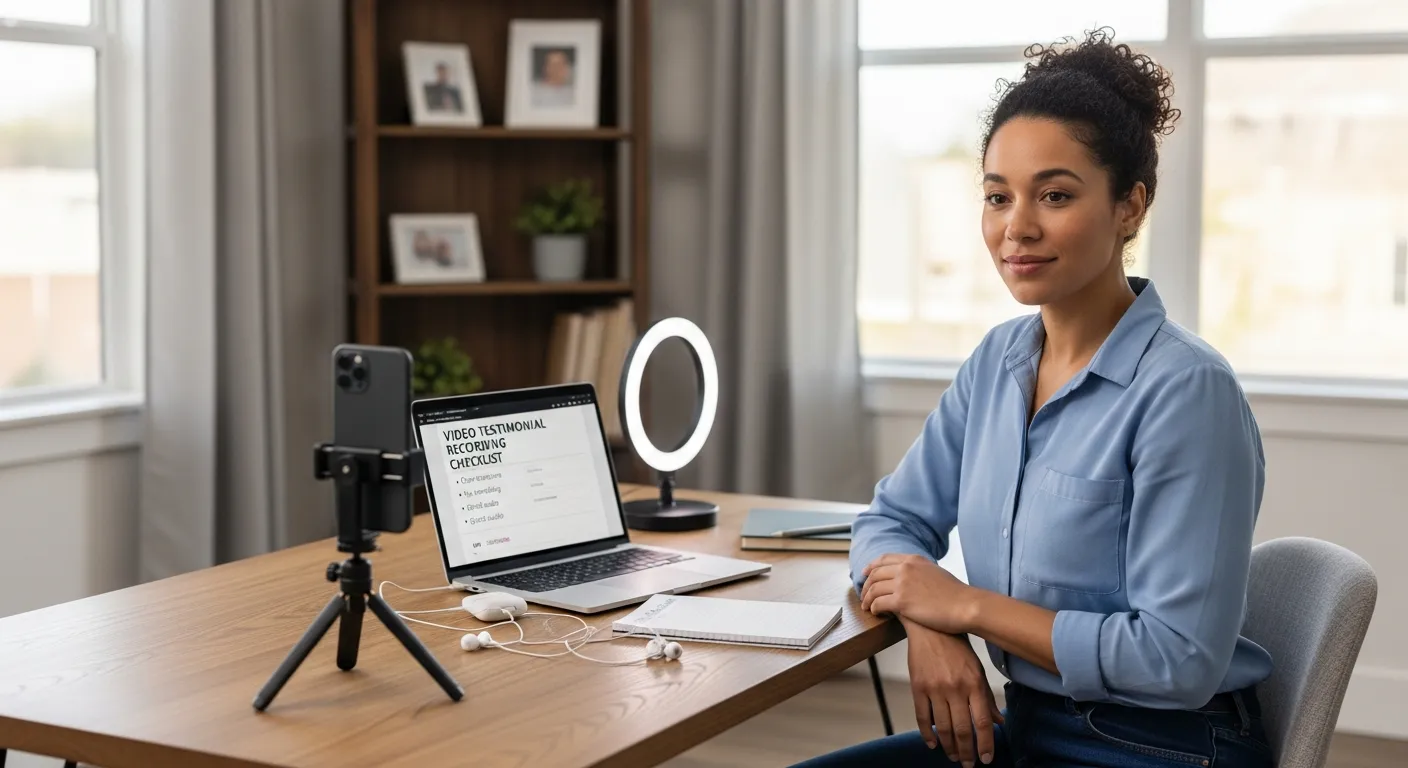
These five minutes make or break the final video.
Think of this like wiping the counter before you cook, you can skip it, but you’ll regret it.
Environment Setup
Step into your client’s world for a second.
They’re probably at home or in a spare office with overhead lights humming and a plant dying in the background.
You can fix 80% of the “production quality” issue with three tiny moves:
- Right lighting. Ask them to sit facing a window or a soft lamp. No light directly behind them unless you’re going for the “anonymous witness” look.
- Quiet the room. Shut doors, turn off fans, silence phones, close email tabs that ding every 30 seconds. Soft furnishings (curtains, couch, rug) help kill echo.
- Clean, neutral background. A tidy office wall, bookshelf, or a simple logo sign works. No piles of laundry, no busy artwork that steals attention.
- Eye level framing. Camera at eye height, head and shoulders in frame. Aim for their eyes to sit around the top third of the screen, rule of thirds style.
If they send you a quick test pic, you can usually fix the whole setup with one or two text messages.
Device & Tech Check
Here’s the secret nobody tells you: your client’s smartphone is usually enough.
- Phone vs. webcam.
- Use a phone if they have a recent iPhone/Android and a simple way to prop it up.
- Use a webcam if you’re recording over Zoom or another meeting tool.
- Horizontal, not vertical. Ask for landscape (sideways) unless you’re specifically recording for TikTok/Reels. Horizontal is easier to reuse on your site, email, and YouTube.
- Stable and steady. No handheld. A cheap tripod, a stack of books, or a shelf works. Anything but “earthquake cam.”
- Audio check.
- If they have wired earbuds or a simple USB mic, great, use them.
- If not, bring them closer to the device. 1–2 ft (30–60 cm) from the mic is usually fine.
- Do a 5-second test (“My name is…”) and play it back to check volume and background noise.
- Internet for remote calls. If you’re recording on Zoom, ask them to:
- Turn off video streams they don’t need.
- Get as close to the router as possible.
- Pause any big downloads or streaming.
Personal Prep
Most people freeze the second the red dot appears.
You can melt that stress in under a minute:
- Wardrobe. Ask them to wear solid colors. Avoid tiny stripes, loud patterns, and bright white tops that blow out on camera. Business casual that matches how they normally meet clients is perfect.
- Energy check. Standing usually gives better energy: sitting on the front edge of a chair with feet flat also works. Have them roll their shoulders back, take one deep breath, and smile.
- Water + posture. Quick sip of water, quick posture reset. It changes the whole vibe.
- Notes, not a script. Have them jot 3–5 bullet points: their problem before, what you did together, and the result. No word-for-word script. Tiny imperfections feel human, and human sells.
You want them sounding like they’re talking to a friend, not auditioning for a commercial.
Question + Story Checklist (So It Converts)
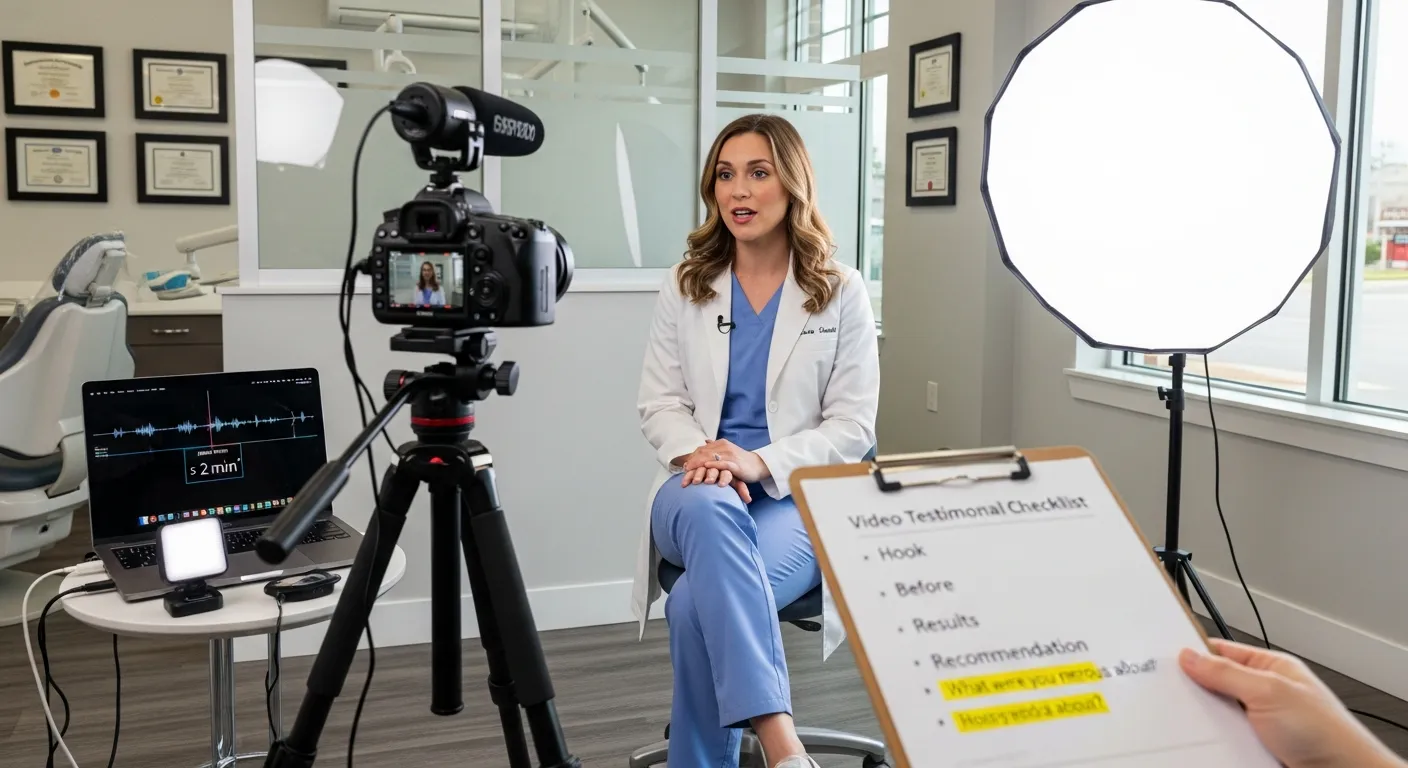
A good testimonial isn’t just “We love working with them.”
It’s a mini case study in plain English.
Here’s how you pull that story out without turning your client into a copywriter.
Core Story Framework
You can use this simple flow every single time:
1. Hook – Who you are + who this is for
“I’m Sarah, I run a small family dental practice in Austin, and we brought in [Your Company] when we were struggling to keep our schedule full.”
2. Before – The problem or frustration
Get them to name the pain: confusing billing, empty calendar, leads ghosting, late payments, endless Zillow shoppers.
3. After – The outcome or win
What changed? More booked consults, faster approvals, fewer no-shows, smoother closings.
4. Specific results – Numbers or time saved
This is gold. Things like:
- “Our lead-to-consult rate went from 10% to about 30%.”
- “We save at least 5 hours a week on back-and-forth emails.”
- “We added an extra 3 closings a month.”
5. Recommendation – Who should work with you and why
“If you’re a solo financial advisor who hates marketing but wants better clients, talk to them.”
That’s it. Five beats. When a client hits those, your video feels like a real story, not a vague compliment.
What to Say in a Video Testimonial
You don’t need brand slogans.
You need answers to the questions your prospects are already whispering.
Prompt your clients with things like:
- “What were you nervous about before hiring us?”
This surfaces real objections, cost, risk, time.
- “What surprised you once we started working together?”
This usually reveals delight moments you didn’t even know you created.
- “If your best friend ran a clinic / firm / brokerage, how would you describe this experience to them?”
That gets them out of “marketing mode” and into real talk.
Encourage simple, modular answers, short, standalone sentences you can easily clip for different platforms.
Bad: “They’re amazing, highly recommend.”
Better: “Within two months, our appointment cancellations dropped by half because of the new reminder process they set up.”
Real buyers don’t care about adjectives: they care about change.
Time Box Rules
Longer is not better.
Research and real-world performance both point to the same sweet spot: keep each testimonial to two minutes or less, and individual answers to 30–90 seconds.
A few simple rules:
- One core idea per answer. If they drift, gently say, “That was great, let’s try that again but just focus on the results you saw in the first three months.”
- Stop early rather than ramble. Once they’ve named the problem and result, you’re done.
- Record 2–3 short takes instead of chasing the “perfect” one. Pick the cleanest later in editing.
Short, sharp, specific beats long and muddy every time.
Recording Checklist (During the Take)
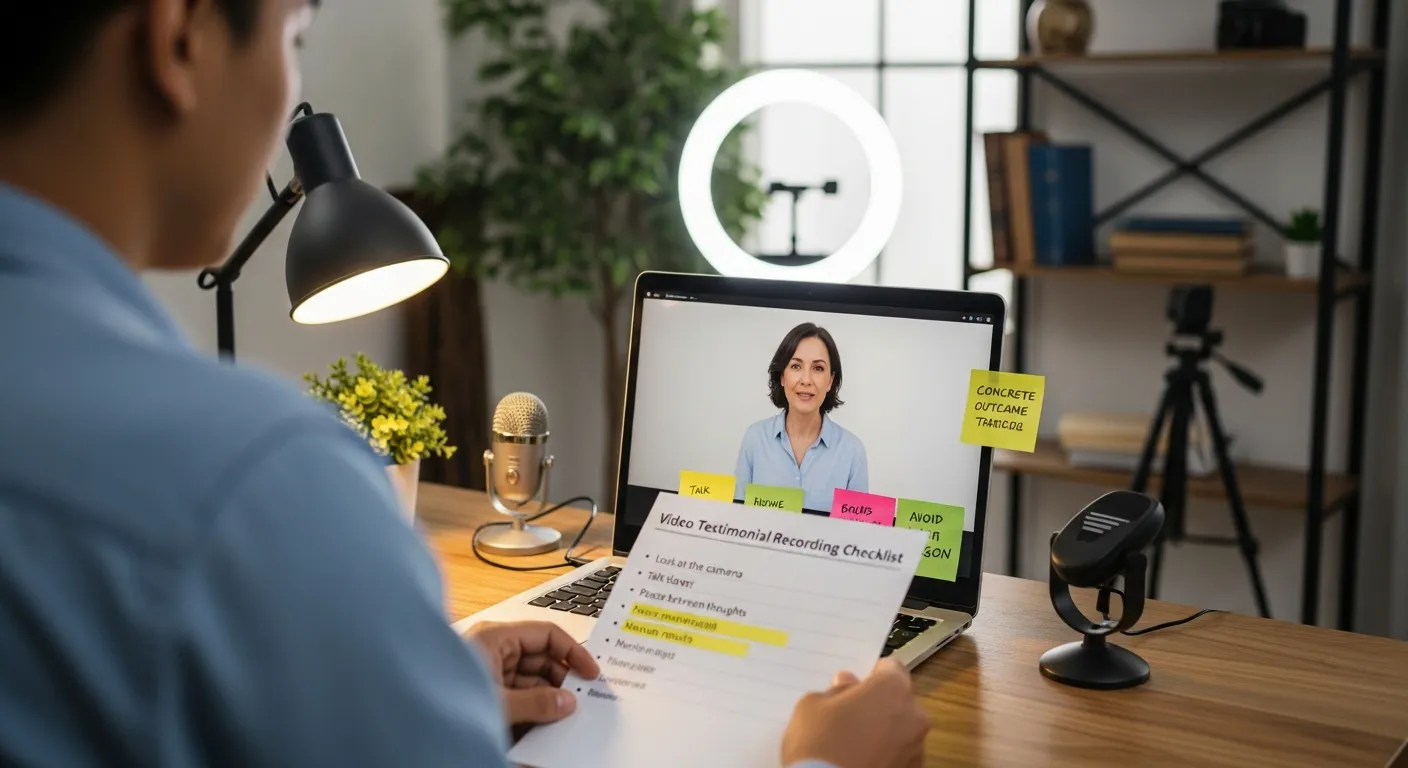
You’ve set the scene and warmed them up.
Now it’s about little in-the-moment tweaks that make the final video feel confident and clear.
Delivery & Presence
Share this with your client before you hit record:
- Look at the camera, not yourself. If you’re on Zoom, tell them, “Pretend the camera is the person you’re talking to.”
- Talk a touch slower than normal. Not painfully slow, just enough that every word lands.
- Smile, but don’t perform. Think “chatting with a favorite client,” not “selling to a stranger.” A soft smile at the start and when they mention results is perfect.
- Pause between thoughts. Little 1-second pauses make editing easier and make them sound more thoughtful instead of rushed.
If they stumble, keep rolling. Say, “That was great, try that sentence one more time,” and let them reset.
Content Quality Checks
While they’re talking, you’re listening for clarity:
- Do they say your name or company at least once?
“We worked with Share One for our testimonial videos…” is better than “this service.”
- Is there at least one concrete outcome?
A number, time saved, fewer headaches, more ease.
- Are they avoiding jargon?
If they slip into insider language, you can gently ask, “How would you describe that to a friend who’s not in your industry?”
- If they nail a point but fumble a word, have them repeat just that line.
“Say that last sentence one more time, that part about saving 10 hours a week was perfect.”
Think of yourself as a friendly director whose only job is to help them sound as smart and kind as they are.
Post-Recording Checklist (Approval + Publishing)
You’ve got the raw footage, nice.
Now you make sure you can use it everywhere without headaches later.
File Handling
- Name files . Something like:
2025-01_Dr-Smith-Ortho_Share-One-Testimonial.mp4
- Back it up. Store the raw file in at least two places, cloud (Google Drive, Dropbox) and a local drive.
- Pick a home. Decide where everything will live: a dedicated “Testimonials” folder in your marketing drive or your testimonial platform.
Those two extra minutes of organization save you from hunting through random downloads six months from now.
Approval & Consent
This is the unsexy but essential part.
- Get explicit permission. That can be a signed release form or a short emailed “yes” to a clear message that says where you’ll use the video.
- Clarify usage. Website, email campaigns, social media ads, presentations, maybe retargeting.
- Run your internal approvals. If you’re in healthcare or finance, you already know the drill, compliance or legal may need a quick review before it goes live.
You want to be future-proof here so you’re not pulling amazing videos down later because of a missed checkbox.
Accessibility & Readiness
Help more people watch, and understand, the story.
- Add captions. Most viewers scroll with sound off, especially on mobile. Captions also help with accessibility.
- Create a short transcript. Great for blog posts, SEO, and repurposing the quote in print.
- Frame for clipping. Make sure the subject is centered well enough that you can crop vertical (for Reels/Shorts) without cutting off their head.
- Leave notes for your editor or future self. Time stamps of the best lines, key outcomes, and any parts to cut.
Once this is done, you’ve got an asset you can plug into your homepage, service pages, nurture emails, and ad campaigns.
Want to go in-depth? Check out our How to Prepare For a Video Testimonial guide.
How This Checklist Fits Into a Scalable Video Testimonial Service
One video is nice.
A library of videos that hit different objections, industries, and personality types, that’s where your marketing starts compounding.
This same checklist becomes your playbook:
- You send it to every happy client you invite to record.
- Your team uses it for remote Zoom recordings or in-person shoots.
- You standardize the story beats so all your testimonials follow that clear Before → After → Result → Recommendation arc.
Over time, you’ll stack:
- One video for price objections.
- One for “I don’t have time.”
- One for “Will this really work in my niche?”
Now your sales calls feel easier because your prospects already watched someone like them talk through the exact fear they’re holding.
If you ever choose a full-service provider, this checklist also makes you a better client. You know what to expect, what to ask for, and how to judge whether you’re getting the kind of human, specific stories that convert, not just pretty footage.
Ready to Record or Want Us to Handle It? Share One’s Done-For-You Service
If you’re reading this thinking, “I love all of this, but I do not have time to run recording sessions,” you’re exactly who Share One was built for.
Share One is a human-first video storytelling company, By Humans, For Humans™, that turns your client wins into clear, persuasive stories.
Here’s what that looks like in real life:
- We help you invite the right clients with a low-friction, friendly process.
- We guide them through this kind of checklist on the call so they feel relaxed and natural, not staged.
- We handle all the tech, remote or global, so a client in Chicago and another in Miami both look and sound great on just a phone or laptop.
- We edit every video into tight, under-two-minute clips you can drop onto your site, email sequences, and social feeds.
You can absolutely DIY with this checklist, and you’ll already be ahead of most of your competitors.
But if you want to skip the logistics, avoid tech headaches, and get studio-quality, real stories with almost no extra work on your side, let Share One do the heavy lifting.
Turn your best client results into videos that quietly sell for you 24/7.
Start with Share One→
Add Your Heading Text Here
What is a video testimonial recording checklist and why do I need one?
A video testimonial recording checklist is a simple step-by-step guide to prep your client, tech, and questions before you hit record. It prevents stiff, rambling, low-quality clips by standardizing environment, story structure, permissions, and publishing so every testimonial feels real, clear, and conversion-focused.
What should be included in a video testimonial recording checklist?
A strong video testimonial recording checklist covers environment (lighting, sound, background, framing), device and audio checks, personal prep (wardrobe, energy, notes), a clear story framework (Before → After → Results → Recommendation), delivery tips during recording, plus post-record steps like file naming, approvals, captions, and transcripts.
How long should a video testimonial be for best results?
Aim for testimonial videos under two minutes, with each answer kept to 30–90 seconds. Short, specific clips perform better than long, rambling stories. Focus on one core idea per answer—problem, result, or recommendation—and record 2–3 concise takes instead of chasing one “perfect” long version.
How do I prepare a client for recording a video testimonial remotely?
Send them your video testimonial recording checklist ahead of time. Ask them to face a window or soft light, choose a quiet room with a clean background, use a stable phone or webcam, do a short audio test, wear solid colors, jot 3–5 bullet notes, and treat it like chatting with a friend.
Do I need a release form or consent for using video testimonials?
Yes. Always get explicit permission before publishing. That can be a signed release or a clear email stating where you’ll use the video (website, emails, social ads, presentations, etc.). In regulated fields like healthcare or finance, run the video through compliance or legal review before it goes live.
What equipment do I need to follow this video testimonial recording checklist?
You usually only need a recent smartphone or a decent webcam, a way to stabilize it (tripod or stacked books), and optionally wired earbuds or a simple USB mic. Good lighting, quiet space, and eye-level framing matter more than expensive gear; the checklist helps you optimize what you already have.