Video Testimonial Transcription and Captions (ADA/508 + SEO Benefits)
Learn how video testimonial transcription and captions boost accessibility, ADA compliance, and SEO while helping more prospects actually watch and convert.
If you’re betting on video testimonials to win more leads (smart move), here’s a wild truth: if people can’t access them, they can’t be persuaded by them, no matter how good the story is.
With 1 in 4 adults in the U.S. living with a disability and most people scrolling feeds on mute, captions and transcripts aren’t “nice-to-have add‑ons” anymore: they’re the bridge between your best customer stories and the people who are ready to say yes. On top of that, properly captioned and transcribed videos can boost search visibility and keep visitors on your site longer, exactly the kind of behavior Google loves. Stick with this guide and you’ll see how to make your video testimonials accessible, compliant, and quietly working overtime for your SEO, without turning your marketing workflow into a legal seminar.
Key Takeaways
- Video testimonial transcription and captions turn your best customer stories into accessible content for people with disabilities, mobile viewers on mute, and anyone who prefers to read.
- Closed captions, not just subtitles, are essential for ADA/WCAG/Section 508 alignment because they convey both spoken words and meaningful audio cues like tone, music, and pauses.
- Posting a clean, on-page transcript below each testimonial video gives search engines indexable text, strengthens topical authority, and captures real customer language and long-tail queries.
- Accurate timing, clear speaker labels, readable formatting, and avoiding auto-generated errors are core best practices for professional video testimonial transcription and captions.
- Building captions and transcripts into your standard production workflow and vendor requirements turns accessibility from a one-off task into a scalable, trust-building marketing asset.
Why Video Testimonial Accessibility Matters for Marketing and Compliance
Think about the last time you watched a video in a noisy coffee shop with the sound off.
You probably turned on captions, right?
Now zoom out.
You’ve got:
- People who are deaf or hard of hearing.
- People watching on mute at work.
- Busy parents rocking a baby at 11 p.m. while researching a new doctor, advisor, or realtor.
All of them rely on text, captions or transcripts, to understand your video testimonials.
So when those videos don’t have accessible text, you’re quietly telling a chunk of your audience, “This isn’t for you.” That’s not just bad optics: it’s bad for business.
On the compliance side, public‑facing video content is more and more expected to follow accessibility standards like WCAG, ADA principles, and, for government or certain vendors, Section 508. Testimonials don’t get a magical exemption just because they’re “marketing.” They still present claims about your services, especially in regulated spaces like healthcare and finance.
The upside?
Captions and transcripts do triple duty:
- Accessibility: People with disabilities can use your content.
- Marketing: More people watch longer, which often boosts conversions.
- SEO: Search engines get text they can crawl, which helps you show up when ideal clients are hunting for answers.
You’re not just avoiding headaches here, you’re building trust by showing you take all of your audience seriously.
Quick note before we go deeper: this is practical guidance, not legal advice. For specific ADA/508 questions, you’ll want to loop in your legal or compliance team.
For a step-by-step breakdown of how to polish your customer stories, refer to this testimonial video editing checklist.
Captions vs Subtitles vs Transcripts (Quick Definitions)
Before you fix anything, you need to know what you’re asking for.
A lot of folks use captions, subtitles, and transcripts like they’re interchangeable. They aren’t, and that confusion is where both SEO issues and compliance issues start.
Let’s break it down in plain English.
Closed Captions
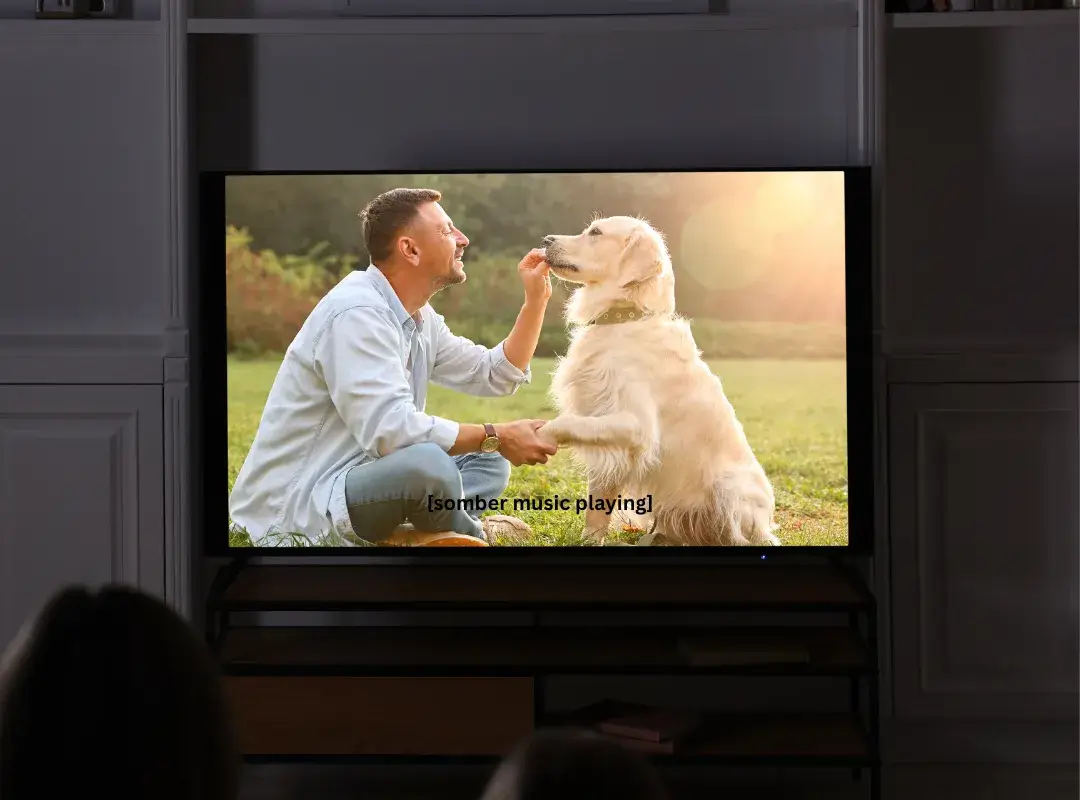
Closed captions (the little CC button) are built for accessibility.
They’re meant for people who are deaf or hard of hearing, so they don’t just show spoken words.
They also show things like:
- [laughter]
- [sad music playing]
- [door slams]
- [sighs]
In a video testimonial, that emotional layer really matters. A nervous laugh, a long pause before someone says, “Honestly, switching to this firm saved my business”, those micro‑moments carry weight. Captions translate that feeling for people who can’t hear the audio.
From a compliance standpoint, closed captions are usually what accessibility guidelines are pointing to when they talk about making video understandable without sound.
Want to know how to make your video testimonials compliant? Check out our Video Testimonial Compliance Guide.
Subtitles
Subtitles are mainly for language, not disability.
They assume the viewer can hear, but doesn’t understand the spoken language.
So subtitles usually:
- Show translated dialogue.
- Don’t include sound effects or tone notes.
If you only add English subtitles for translation and ignore audio cues, you’re helping multilingual viewers, but you’re not truly serving people who rely on captions for accessibility.
Short version: subtitles are helpful, but they’re not a full accessibility solution.
Transcripts
Transcripts are the full text version of your video.
For testimonials, that usually means:
- Every spoken word.
- Speakers labeled .
- Important non‑speech audio or visuals described if they’re needed for context.
You drop the transcript on the page below the video and suddenly:
- Anyone who prefers reading can skim it.
- People using screen readers can access the story easily.
- Search engines finally “see” what’s in your video.
Transcripts are especially clutch for testimonial montages or panel‑style stories where multiple clients are talking. Without a transcript, those layered, emotional stories are pretty much invisible to Google, and hard to follow for anyone who can’t hear well.
Do Video Testimonials Need Captions to Be ADA/508 Compliant?
Let’s tackle the big nervous question you might be quietly asking: “Do my testimonial videos have to be captioned?”
Here’s the practical, high‑level answer.
Accessibility standards like WCAG (which ADA and Section 508 often reference) say: if you have pre‑recorded video with audio, you should provide synchronized captions so someone who can’t hear can still get the content.
Your video testimonials check every box:
- Pre‑recorded? Yes.
- Audio? Yep, your customer talking.
- Public‑facing? If they’re on your site, social, or landing pages, absolutely.
So if you’re in a space where accessibility obligations matter, public websites, government work, partnerships with agencies that require 508 alignment, captioning your testimonials is the expected standard, not a fancy extra.
There’s also a trust angle people underestimate.
Imagine a potential patient with hearing loss watching a testimonial for your clinic. If your clinical content is accessible but your patient stories aren’t, it sends a weird signal. The story that’s supposed to prove how caring and inclusive you are… literally excludes them.
And again, small disclaimer: what you’re reading here is not legal advice.
You’ll want your legal or compliance team to interpret ADA and Section 508 for your exact situation. But if you want a simple north star, use this:
If you care enough about a video to put it in front of prospects, you should care enough to caption it.
Why Transcripts Can Improve SEO (When Done Right)
You know how people say, “Google loves video”? That’s only half of the story.
Search engines can’t watch your testimonial.
They see the title, maybe some markup, and whatever text lives around the video. That’s it.
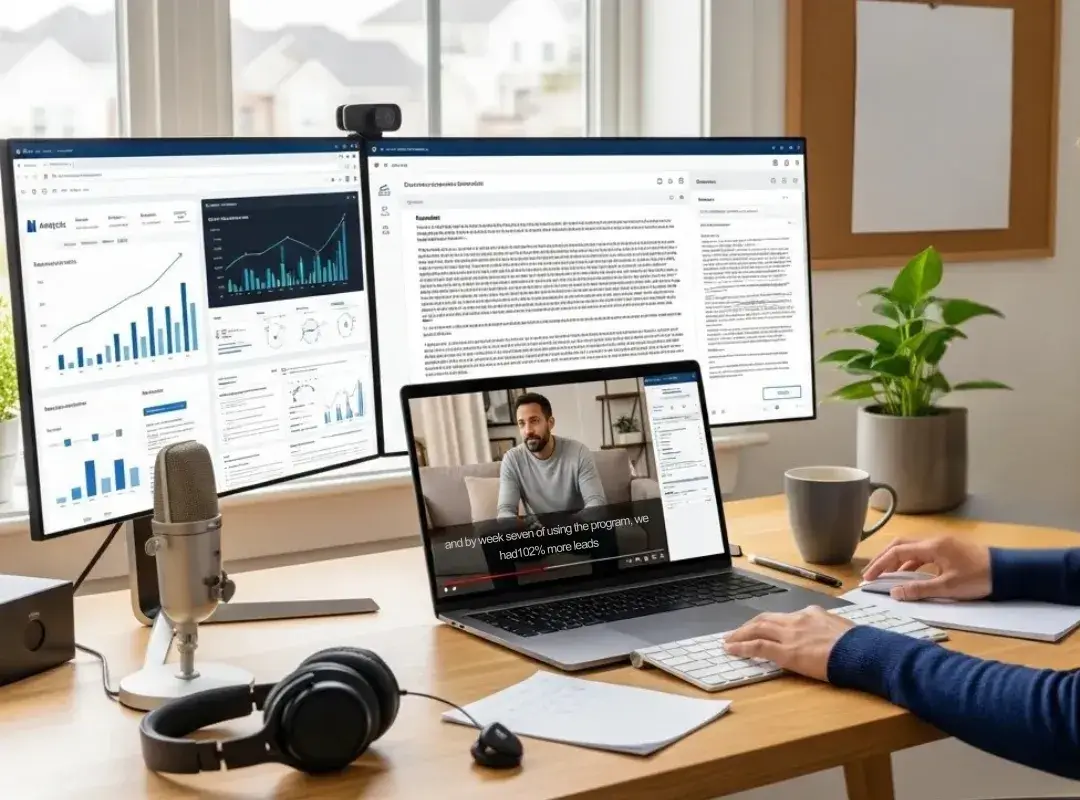
Transcripts are how you hand Google (and other search engines) a neat, readable version of the emotional story that’s happening on screen.
Indexable Text and Context
When you paste a clean transcript directly on the page, you’re giving search engines:
- Real phrases your customers use.
- Industry terms, conditions, locations, and outcomes.
- Long‑tail questions and problems your buyers say out loud.
Instead of a vague “Client Case Study – Sarah,” you get lines like:
“I was nervous about switching financial advisors, but after three months I finally understood where my money was going.”
That sentence alone reinforces:
- Your niche (financial advisory).
- The pain point (confusion about money).
- The outcome (clarity in three months).
That’s the kind of nuance written content struggles to fake, and the kind of context search engines can crawl.
Entity Reinforcement
Every testimonial is packed with entities:
- Your brand or provider names.
- Services (“knee replacement,” “fractional CFO,” “first‑time home buyer program”).
- Locations and audiences.
When those live in a transcript, search engines start associating your brand with those concepts more strongly.
Over time, a cluster of detailed, well‑labeled testimonial transcripts can help you build topical authority around what you do, backed by real customer language, not copywriter guesses.
Common SEO Mistakes with Transcripts
This is where a lot of good intentions go sideways.
A few landmines to dodge:
- Relying only on auto‑generated text and pasting it as‑is. Those hilarious (and sometimes horrifying) caption errors? They confuse both humans and algorithms.
- Hiding transcripts in ways crawlers can’t easily reach, like putting the entire thing inside an image or a funky widget that only loads text after a click.
- Stuffing keywords unnaturally into the transcript. Remember, this is supposed to be what your customer said, not an SEO Mad Lib.
If you treat transcripts as real content, not a checkbox, you get the visibility win and preserve the authenticity that makes testimonials work in the first place.
Best Practices for Captions and Transcripts
You don’t need a Hollywood studio to get this right, but there are a few details that separate “meh” accessibility from “wow, this feels polished.”
Accuracy and Readability
Aim for high accuracy, especially for:
- Names (people, clinics, firms, neighborhoods).
- Numbers (costs, timelines, results).
- Claims (“doubled my leads,” “reduced my pain in 6 weeks”).
Think about how it feels if a caption turns “cardiologist” into “car dealership.” It’s funny for a second… then your trust takes a hit.
You also want your captions and transcripts to be easy to read:
- Use punctuation. Let people breathe.
- Break longer thoughts into shorter lines.
- Avoid ALL CAPS except for emphasis or acronyms.
Speaker Labels and Formatting
Testimonials often have at least two voices: your client and you (or a host).
Label them , like:
[Client]: I’d put off refinancing for years.
[Advisor]: What finally pushed you to move forward?
Simple labels help:
- Screen reader users follow who’s talking.
- New readers drop into the story without confusion.
For long testimonials, you can lightly format the transcript with short paragraphs and the occasional subheading (for example, “Before Working With Us”, “The Turning Point”, “Results After 3 Months”). It keeps the text skimmable, just like a mini blog post.
Caption Timing and UX
Timing is one of those “invisible” details your viewers only notice when it’s bad.
Good caption timing means:
- Text appears when the words are spoken, not two seconds early or late.
- Only 1–2 lines are on screen at a time.
- The captions don’t sit right over someone’s face or over key visuals like charts or x‑rays.
When the words and emotions line up, you get:
- Higher watch time.
- Less cognitive friction.
- A subtle but real trust boost, your brand feels careful and competent, not rushed and sloppy.
Where to Place Transcripts on a Page
You’ve probably seen transcripts thrown into random tabs, PDFs, or mystery buttons.
Let’s keep things simpler, and useful for both humans and search engines.
Below the Video Embed
The easiest and most SEO‑friendly move?
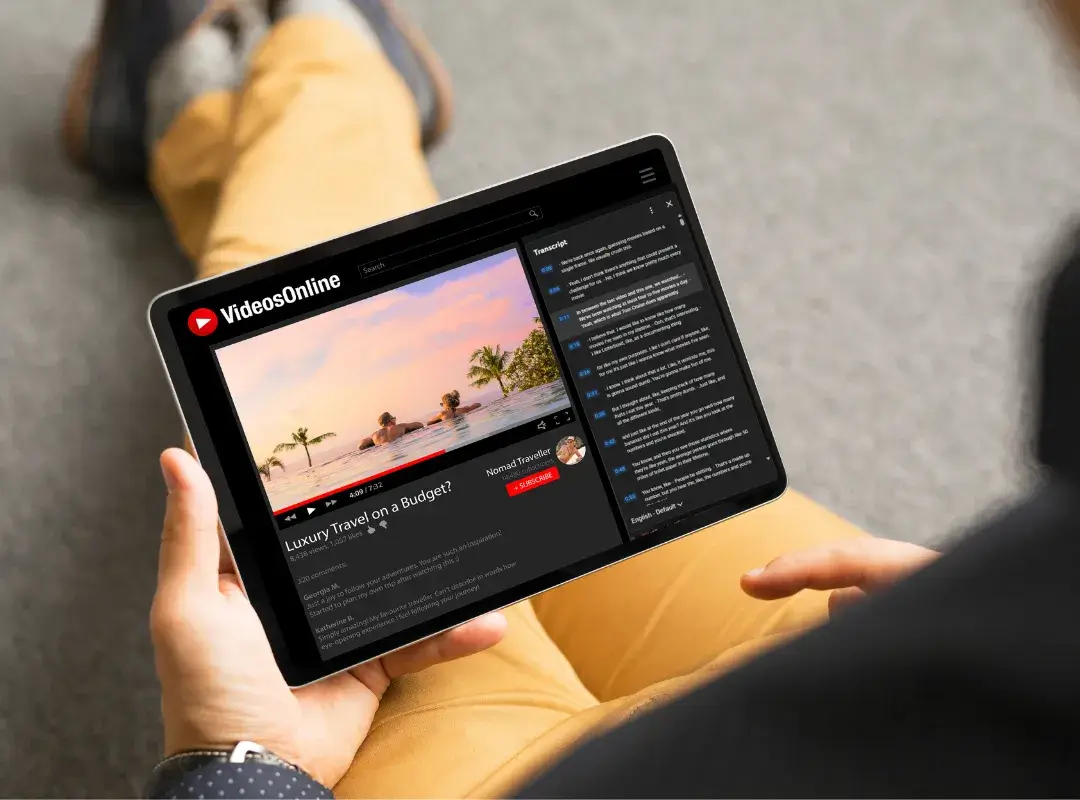
Put the transcript directly under the video on the same page.
That gives you:
- Immediate access for anyone who prefers reading.
- Clean, crawlable HTML for search engines.
- Extra context right where the video lives (great for long‑tail search).
You can dress it up a bit, use a smaller font, add a short intro like, “Read the full conversation below”, but the key is: it’s right there, not hidden.
Expandable or Collapsible Sections
Worried about long transcripts making the page feel endless?
You can tuck the transcript into an expandable section like:
Transcript (click to expand)
That balance keeps your layout tidy and maintains accessibility, as long as the actual text loads in the page’s HTML and isn’t blocked from indexing.
If someone is using a screen reader or just prefers scanning text, they should be able to reach and open that section without fighting your design.
What to Avoid
A few things that look clever in a mockup but backfire in real life:
- Image‑based transcripts. If your transcript is literally a picture of text, it might as well not exist for screen readers or search engines.
- Text that only appears via tricky JavaScript. If crawlers can’t reliably see it, you lose the SEO benefit.
- Transcript only as a downloadable PDF. Those can be useful extras, but don’t make them the only option.
Imagine someone on a phone at the airport trying to pinch‑zoom a PDF just to understand your client’s story. That’s the exact kind of friction that makes people bounce.
Workflow: How to Add Captions and Transcripts Without Slowing Production
The biggest pushback you’ll hear inside your team isn’t “accessibility is bad.”
It’s “accessibility is extra work.”
The trick is to build captions and transcripts into your existing testimonial workflow, not bolt them on at the very end.
Capture → Edit → Approve → Publish
Here’s a simple flow you can steal and tweak:
1. Capture
Start with clean audio. Use a decent mic, keep background noise low, and have your interviewer speak . Good sound makes everything downstream easier, especially auto‑captioning.
2. Edit
When your editor cuts the video, they also generate a caption file (SRT or VTT) using either a high‑quality tool or a service, then they clean up the errors.
At the same time, export the full transcript and polish it: add speaker labels, fix names, break up walls of text.
3. Approve
Fold captions and transcripts into your normal review.
In regulated industries, this is where your compliance or legal team checks:
- Are the claims accurate?
- Are any required disclaimers present in both video and text?
- Are we respecting ADA/508 or internal accessibility guidelines?
4. Publish
- Upload the video along with the caption file.
- Place the transcript on the same page, usually below the video.
Once you’ve done this a few times, it’ll feel like brushing your teeth, just part of the routine.
Scaling Testimonial Accessibility
If you’re planning to roll out a whole library of client stories, you don’t want to reinvent the wheel every time.
To scale without chaos:
- Create a standard caption + transcript checklist for every new video.
- Use templates for speaker labels, disclaimers, and sign‑offs.
- Batch processing: send several videos for captioning at once instead of piecemeal.
- Track versions, if you edit a video, update the captions and transcript so they still match.
Over time, “Every testimonial ships with accurate captions and a transcript” becomes a default expectation on your team, not a special project.
Tying Accessibility Into a Video Testimonial Service
If you’re using or considering a video testimonial service or platform, make accessibility part of what you’re shopping for.
Ask directly:
- Do you deliver caption files with every video?
- Do you provide a clean transcript that’s ready to drop on our site?
- How do you handle accuracy, names, and compliance‑sensitive claims?
The ideal partner bakes this in so you’re not chasing vendors after the fact or scrambling to fix issues when someone complains.
That way your customer stories go live looking (and reading) like they came from a brand that sweats the details.
Final Takeaways: Accessibility as a Conversion and Trust Multiplier
When you zoom out, captions and transcripts aren’t just about checking an accessibility box.
They’re about:
- Letting everyone experience your happiest customers.
- Reducing legal and PR risk in a world that’s paying more attention to inclusion.
- Giving search engines rich, real‑world language to rank you for the problems you solve.
In practice, that means your video testimonials don’t just look good on the surface, they perform better. More people watch. More people understand. More people feel, “This is for someone like me.”
So if you’re serious about turning client stories into a real growth engine, treat accessibility as a core feature, not a side quest.
Start with one video.
Add accurate captions, post a clear transcript under it, and watch how much farther that single story travels.
Your future customers, and your analytics, will tell you pretty quickly that it was worth the effort.
Start Creating Compliant Video Testimonials with Share One→
Frequently Asked Questions
Why do video testimonial captions and transcripts matter for accessibility and conversions?
Captions and transcripts make your video testimonials usable for people who are deaf or hard of hearing, anyone watching on mute, and users who simply prefer reading. When more people can actually consume the story, watch time and understanding go up—which often leads to higher trust, better conversions, and stronger brand perception.
Do my video testimonials need captions to be ADA or Section 508 compliant?
If your video testimonials are public‑facing, pre‑recorded, and include audio, synchronized captions are generally expected under standards like WCAG, which ADA and Section 508 often reference. While only your legal team can give definitive guidance, a practical rule is: if you care enough to publish a testimonial, you should caption it.
How does video testimonial transcription help with SEO?
Video testimonial transcription turns your spoken stories into indexable text that search engines can crawl. Transcripts surface real customer language, pain points, outcomes, locations, and service names on the page. This extra context helps search engines understand what you do, improves relevance for long‑tail queries, and can keep visitors engaged longer.
What’s the best way to add captions and transcripts without slowing video testimonial production?
Bake accessibility into your normal workflow. During editing, generate and clean an SRT or VTT caption file and export a full transcript. Include both in your approval process, then publish the video with captions enabled and the transcript on the same page, ideally directly below the embed or in an accessible expandable section.
What tools can I use for video testimonial transcription and captions?
You can use automated tools like YouTube’s auto‑captions, Rev, Descript, Otter, or similar platforms to generate draft captions and transcripts, then manually edit for accuracy. For higher‑stakes industries such as healthcare or finance, many teams pair automated services with human review to ensure names, medical terms, and claims are correct.
Are auto‑generated captions enough for professional video testimonials?
Auto‑generated captions are a good starting point but rarely accurate enough on their own for polished, compliant testimonial content. They frequently misinterpret names, industry jargon, and numbers. For professional use, especially in regulated fields, you should edit or professionally review those captions and transcripts before publishing to protect clarity, trust, and compliance.