
If you could bump conversions on your key pages just by letting your happiest customers talk on camera for under two minutes… would you still rely on bland text reviews? Studies keep showing that when people watch real customer stories, they stay longer, trust faster, and buy more, plus that extra dwell time quietly nudges your SEO in the right direction. You’re busy, your market’s crowded, and you don’t have hours to fuss with complicated video setups, so let’s walk through how the right video testimonial widget can slide into your site, build credibility on autopilot, and give you data you can take to the bank.
Key Takeaways
- A well-placed video testimonial widget can lift conversions by lowering trust barriers and keeping real customer stories near key calls to action.
- Choosing the right widget type (carousel, wall, or sticky video) depends on your goal, with stick-as-you-scroll formats often driving the highest on-page engagement and conversions.
- The most effective video testimonial widgets prioritize performance with lazy loading, deferred scripts, muted autoplay, and fixed layout space to protect Core Web Vitals and SEO.
- Placing testimonial videos on high-intent pages like home, pricing, booking, and checkout, delivers the best ROI because they appear exactly where visitors hesitate.
- Using schema markup, clear consent workflows, and analytics tracking turns testimonial videos from “nice to have” into measurable, compliant conversion assets tied to real revenue.
Why Video Testimonial Widgets Convert When They’re Done Right
You’ve probably felt this yourself: you land on a website, skim a few headings, and then your eyes lock on a short video of a real person saying, “Here’s how this helped me.”
That’s the quiet superpower of a good video testimonial widget.
When it’s done right, it does three big things for you:
- It lowers the “Do I trust this?” barrier.
About 90% of people say they trust other customers more than ads. Seeing a patient, borrower, or homebuyer talk in their own words hits way harder than a polished headline you wrote yourself.
- It catches attention without derailing the visit.
A solid widget sits near your key calls to action, “Book consultation,” “Apply now,” “Schedule a tour”, and gently invites a click. It’s there when your visitor is on the fence, but it doesn’t smack them in the face with a full-screen popup.
- It boosts conversions and engagement metrics.
When people watch a quick 60–90 second clip, they stay longer, scroll more, and are more likely to take the next step. That’s not just more leads: it’s better SEO because Google sees people engaging with your page.
The catch (pun intended) is that most video testimonial tools don’t respect your page speed or user experience. The right widget feels light, human, and fast, more like a friendly guide than a heavy ad.
What Is a Video Testimonial Widget?
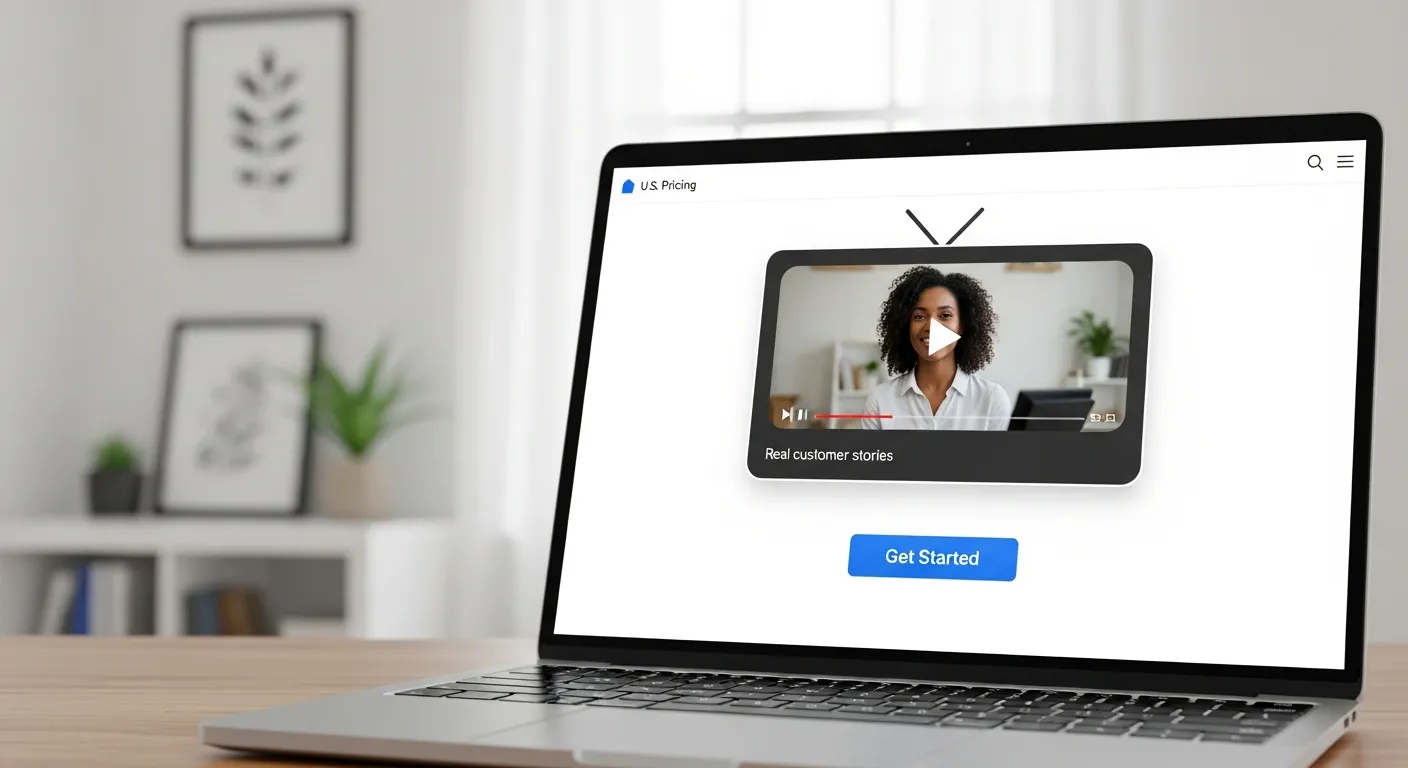
Picture a tiny, friendly TV screen living right next to your most important buttons.
That’s a video testimonial widget.
It’s an embeddable block on your site, often a small player, strip, or floating video, that shows real customers talking about their experience. Unlike a full “Case Studies” page or a single YouTube embed buried at the bottom, a widget:
- Lives on the decision-making page: pricing, booking, application, or checkout.
- Stays visible at the exact moment someone’s hesitating.
- Is usually powered by a platform (like Share One and its Catch Widget, or others) so you aren’t manually uploading and wrestling with code.
Think of it as a mini social‑proof machine. Your visitor doesn’t have to go hunting for reviews. The reviews come to them, right when they’re thinking:
“Is this legit? Has this worked for someone like me?”
If your patients, clients, or buyers are already saying nice things about you, the widget just turns those quiet compliments into visible, conversion-driving proof.
Video Testimonial Widget Types (Choose the Right Format)
Not all widgets look or behave the same, and that’s where a lot of people get tripped up.
You’ve got three main flavors.
Carousel / Slider Testimonial Widget
This is the classic strip of thumbnails you can swipe or click through.
You’ve seen it a thousand times: little circles or rectangles sliding left and right above the fold. It’s compact and familiar, and it lets you fit several stories in a tight space.
The downside? Most people won’t scroll through all of them. If your best story is video number six, it may never see daylight.
When this works for you:
- You want a neat row of short clips on a homepage.
- You have similar stories (for example, multiple first‑time homebuyers) and any one of them still helps.
Wall / Grid Testimonial Widget
This is your “Wall of Love” look, lots of faces in a grid.
It feels impressive: a whole page or section of tiles, each one a client or patient sharing their story. Great for showing volume of happy customers, especially if you’re in a trust-heavy field like healthcare or finance.
The catch: walls can overwhelm. Visitors glance, nod, and then bounce without watching.
Best use cases:
- Dedicated Reviews / Success Stories pages.
- Social‑proof hubs you link from email campaigns.
Sticky / “Stick-as-You-Scroll” Video Testimonial Widget
This is the sneaky powerful one.
A stick‑as‑you‑scroll widget starts as a normal video block near your copy. Once the visitor scrolls, it shrinks into a corner and stays with them, like a little human sidekick saying, “Here’s how this worked for me,” while they read.
Why it works so well:
- It stays visible without covering content.
- It keeps the human face on screen during the whole decision journey.
- It plays nicely on mobile when designed well.
Tools like Catch Widget lean into this style because it’s built for conversions, not just “having some videos somewhere.”
Why Catch Widget Works on Landing Pages (and Why Most Widgets Don’t)
Let’s talk about landing pages, the money pages where every tiny friction point costs you real revenue.
Most generic widgets behave like clunky billboards: heavy scripts, slow loading, random autoplay with sound (instant back button, anyone?). They look fancy in a demo and then quietly wreck your Core Web Vitals.
A Catch‑style widget takes a different approach:
- One strong story, front and center. Instead of 20 weak clips, you lead with the single video that speaks exactly to that page, maybe a nervous first‑time borrower talking about how simple your process felt.
- Sticks, but doesn’t shout. As people scroll, the video tucks into a corner, staying visible but never blocking forms or buttons.
- Built to be fast. Thumbnails lazy‑load, scripts defer, and the page still feels snappy.
The result: your landing page doesn’t just say “we’re trustworthy”, it shows a real person proving it, right beside your “Book now” button.
If you already use a platform like Share One to capture stories, pairing those videos with a Catch‑style widget is where the real conversion magic happens.
Best Places to Use a Video Testimonial Widget (Highest ROI Placements)

You don’t need a widget on every inch of your site. You just need it in the moments that matter.
Here’s where you’ll usually see the biggest lift:
1. Homepage hero section
Drop a short, punchy testimonial near your main headline. For a healthcare clinic, that might be a patient saying, “I finally felt listened to.” For real estate, a family in front of their new porch.
2. Pricing or services pages
This is where people get nervous about cost. Place a video beside your plans showing a client saying, “I made my investment back in 30 days.” That’s stronger than any discount badge.
3. Booking / demo / application pages
If you’re pushing consultations, mortgage pre‑approvals, or property tours, show someone who was hesitant… and is now thrilled they went ahead.
4. Checkout or final step (used gently)
A tiny, muted widget reminding buyers they’re in good company can nudge them across the line, just be careful not to distract from the form.
Ask yourself on each page: Where does my visitor hesitate? That’s exactly where a face and a story belong.
Knowing where to place your widget on the homepage itself matters just as much as which widget you pick. For a section-by-section breakdown of homepage proof placement, the homepage testimonial strategy guide walks through intent-matched positioning from the hero down to the final CTA.
How to Add a Video Testimonial Widget to Your Website

Good news, you don’t need to be “the tech person” to pull this off.
Most platforms give you a simple embed code:
- You choose the layout (sticky, grid, carousel) in the tool’s dashboard.
- The platform generates a small script or iframe snippet.
- You paste that into your website builder, usually in an HTML block near your CTA.
On WordPress, that’s a custom HTML block. On Webflow or Squarespace, it’s an embed element. On custom sites, your dev just drops it into the template.
If you’re using Share One for collection and editing, you can take those polished clips and plug them into a widget system like their Catch Widget, so you’re not hand‑coding anything.
From there, tweak the basics: colors, captions, autoplay (mute it), and where it appears on mobile vs. desktop.
In about 15 minutes, you go from “We should use video someday” to having a real client talking on your most important page.
Page Speed + Core Web Vitals (How to Avoid Killing Performance)
Here’s the part nobody brags about in their marketing site: widgets love to slow things down.
If you care about SEO, and you do, protect these basics:
- Lazy‑load thumbnails. Don’t load 20 videos at once above the fold. Let them load when they’re about to come into view.
- No autoplay with sound. Autoplay + sound = instant distrust. If you autoplay at all, keep it muted and short.
- Reserve space. Make sure your widget has fixed height so it doesn’t shove content down as it loads (that ugly layout shift Google hates).
- Defer scripts. Have your testimonial scripts load after the main content so your hero section appears instantly.
- Compress poster images. Those pretty thumbnails should be light, not 5MB monsters.
A well-built widget (like Catch) is designed with this in mind. When you add on high-quality clips from a service such as Share One, you get the trust boost without the performance penalty.
SEO + Schema (Optional Boost)
If you’re a little bit of a data nerd, this is where it gets fun.
You can wrap your key videos with schema markup, little bits of code that tell search engines, “Hey, this is a testimonial video and a review.” That opens the door for:
- Rich results (thumbnails, ratings) in search.
- Better understanding of what your page is about.
The basics to cover:
- Use VideoObject schema for the clip itself.
- Use Review or Testimonial style markup if you’re also showing ratings or quotes.
Even without schema, just hosting short, relevant clips on your important pages can improve dwell time, an SEO signal money can’t easily buy.
If you’re shopping for the best video testimonial software 2025, keep an eye out for tools that either help you export transcripts or make schema easier, so you’re not piecing everything together by hand.
Consent + Compliance Basics
Quick reality check: you’re not just putting words on a page, you’re putting real humans and their stories on your site.
So you’ve got to handle consent and privacy like a pro.
Bare minimum:
- Explicit permission. Get clear “Yes, you can record and publish this” consent, written or recorded is best.
- Explain where it shows up. Tell people it may appear on your website, social channels, or ads.
- Honor takedown requests. If someone changes their mind later, have a simple way to pull their video.
If you work in healthcare or finance, you already know the compliance stakes are higher. This is where a trusted provider like Share One helps, they’ll baketestimonialconsentworkflows into the process so you’re not chasing forms in your inbox.
You get the heartwarming stories without waking up to a legal headache.
Tracking What Matters (So You Can Prove ROI)
If it’s not in the numbers, your team will treat it like “nice to have” fluff.
So track your widget like any other conversion asset.
Metrics that tell you something:
- Impressions: How many people saw the widget.
- Plays and completion rate: Are folks watching, and are they sticking around?
- Clicks near the widget: Do demo requests or form submissions spike when the video is visible?
The sneaky part is that testimonials often work as assisted conversions. Someone may watch the video, click around, leave, and come back later via another channel, but that initial trust hit came from your widget.
Tools that lean into analytics (and platforms where you can read real Share One reviews or case studies) help you tie those warm fuzzy feelings to hard numbers.
You’ll be able to say, “This little floating video helped drive 32 extra booked calls this month,” instead of “We think it’s helping?”
Leverage the Catch Widget From Share One

If you’re still relying on static quotes and star icons, you’re asking people to take a bigger leap of faith than they need to.
A lightweight video testimonial widget lets real customers walk your visitors right up to the “Yes” line, on your homepage, pricing page, or booking flow, without slowing your site or annoying your audience.
Pair a performance‑friendly widget style (like Share One’s Catch Widget, a stick‑as‑you‑scroll approach) with genuinely helpful, well‑produced clips from a full‑service partner like Share One, and you get the best of both worlds: human stories, clean UX, and conversions you can measure.
If you’re ready to turn quiet customer love into visible proof, don’t leave it for “someday.” Start building trust today with Share One: choose your first client story and let your widget do the talking 24/7.
Start with Share One→
Frequently Asked Questions
What is a video testimonial widget on a website?
A video testimonial widget is a small, embeddable video block (like a mini player, strip, or floating window) that showcases real customers sharing their experiences. It typically sits near key calls to action on pages like pricing, booking, or checkout to build trust and lift conversions at the moment of hesitation.
Where should I place a video testimonial widget for the highest conversions?
The best placements are decision-heavy pages: your homepage hero section, pricing or services pages, booking/demo/application forms, and sometimes the checkout or final step. Ask, “Where does my visitor hesitate?” Place the video testimonial widget right beside that friction point to nudge them toward taking action.
How do I add a video testimonial widget to my site without coding?
Most tools give you a simple embed snippet. You pick the layout (sticky, grid, or carousel) in the platform dashboard, copy the script or iframe, then paste it into an HTML/embed block in WordPress, Webflow, Squarespace, or your custom site template. From there, adjust colors, captions, and autoplay settings.
How do I keep a video testimonial widget from hurting page speed and SEO?
Choose a performance-focused widget and follow Core Web Vitals best practices: lazy-load thumbnails, avoid autoplay with sound, reserve fixed space for the widget, defer scripts until after main content loads, and compress poster images. Done right, you get the trust boost and longer dwell time without slowing your pages down.
How much does a video testimonial widget typically cost?
Pricing varies by platform and features. Many video testimonial tools use a subscription model, starting from entry-level plans under $50 per month up to several hundred for advanced analytics, teams, and higher video volumes. Factor in both the widget display cost and any separate service you use to capture and edit customer videos.
What are best practices for creating videos for a video testimonial widget?
Keep clips short (60–90 seconds), focused on a clear before-and-after story, and filmed in good lighting with clear audio. Feature customers similar to your ideal buyers, prompt them with specific outcomes they achieved, and secure explicit publishing consent. Then match each video to a page where that exact story is most relevant.