
If you told me you were leaving more conversions on the table just because of where you host your video testimonials, I’d ask to see your landing pages, because that’s exactly what’s happening for a lot of clinics, advisors, and agents.
Your patients, borrowers, or buyers want proof from people who look and sound like them, and search engines want signals that visitors stick around…video customer stories quietly check both boxes. The catch? If those videos load slowly, show competitors’ content, or drag people off your site, they’re helping someone else’s funnel instead of yours, so let’s walk through how to host them in a way that protects your brand, boosts trust, and fits your already-busy schedule.
Key Takeaways
- Choosing where to host video testimonials can impact your potential conversions by affecting load speed, distractions, branding, and on-site behavior.
- Use YouTube mainly for awareness and search visibility, but avoid relying on it as your primary host for conversion-focused landing pages due to ads and suggested competitor content.
- Vimeo and self-hosted options offer cleaner branding and more control, but they still lack the funnel-focused tools and revenue tracking that dedicated testimonial platforms provide.
- Testimonial platforms like Share One are usually the best choice for clinics, advisors, and real estate teams that care most about conversions, because they combine collection, hosting, testimonial widgets, and CRM-level tracking.
- To fully benefit from smart decisions about where to host video testimonials, embed them near key CTAs, design for mobile, bundle multiple clips, and migrate existing videos in structured batches without breaking your top pages.
Why “Where You Host” Your Testimonials Matters More Than You Think
Picture this: a prospect lands on your site, scrolls halfway down a service page, spots a smiling client talking about how you solved their problem…and then the video buffers, glitches, or drops them onto YouTube with three competitor videos in the sidebar.
That tiny hosting choice just hijacked your sales moment.
Most teams obsess over collecting video testimonials, chasing happy clients, scripting prompts, getting decent lighting, and then default to “eh, let’s just throw it on YouTube.” But where those videos live shapes:
- How fast your pages load.
- Whether visitors stay on your site or leak out to the algorithm.
- How much control you have over branding and privacy.
- What you can track about views vs. actual leads.
In healthcare, finance, and real estate, those little details matter a lot. Patients don’t want to see an ad for a different clinic before your cardiology testimonial plays. Homebuyers shouldn’t get sucked into a random home‑tour vlog the second they finish your success story.
Hosting is the quiet backbone of your trust engine. Get it right and your video testimonials feel like they’re woven into the page, quick, clean, and close to your “Book consult” or “Apply now” button. Get it wrong and they turn into nice‑to‑have fluff that eats bandwidth but doesn’t move revenue.
So let’s talk through your options, with zero jargon and a lot of real‑world trade‑offs.
Your 4 Video Testimonial Hosting Options (Pros & Cons)
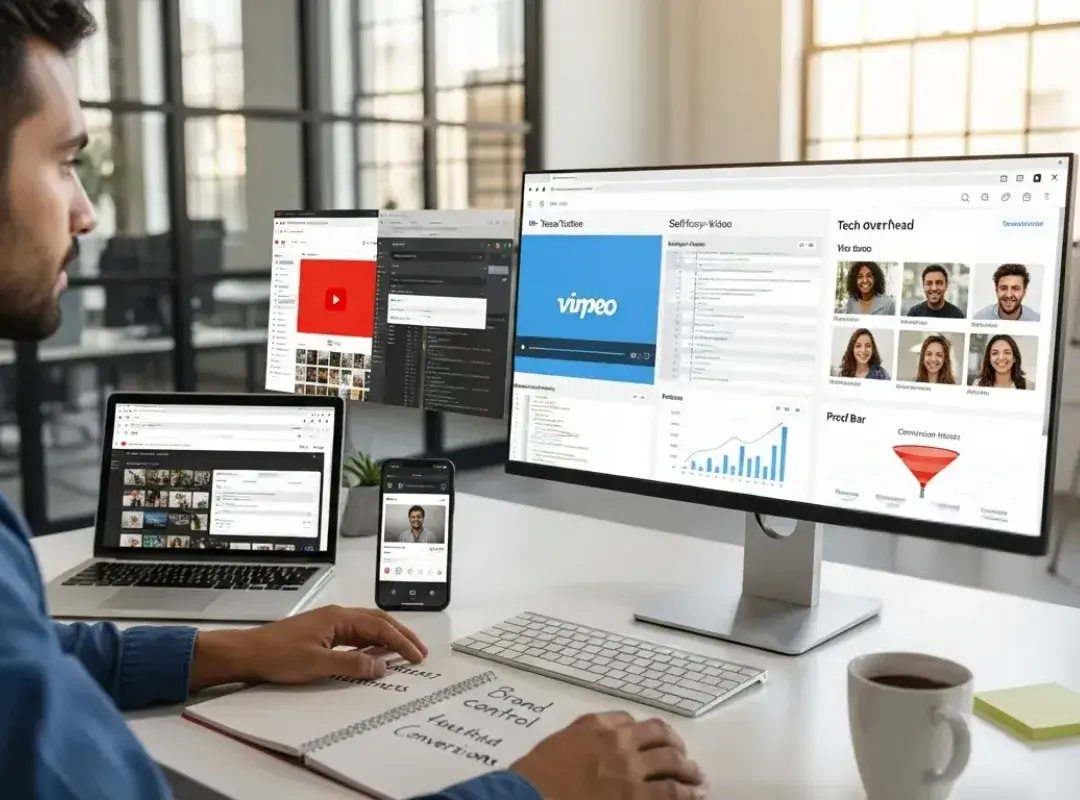
You’ve got four main roads you can take. You’ve probably used at least one of them already.
YouTube
YouTube is like the public park of video hosting, huge, free, and full of other people shouting for attention.
Why people love it:
- It’s free and “unlimited,” which is tempting when you’re watching budgets.
- It has a powerful CDN behind the scenes, so the videos usually load fast.
- You can snag extra visibility from YouTube search and Google results.
Where it bites you:
- Suggested videos, ads, and comments steal focus. If you’re a mortgage broker, the last thing you want is a “Top 10 Online Lenders” video suggested right after your glowing client story.
- Customization is limited. You get a YouTube‑looking player, not your brand.
- Analytics tell you views and watch time, but not “this video helped close 4 new cases this month.”
Best use: awareness and SEO. Great for top‑of‑funnel proof, not great as the core host for conversion‑focused landing pages.
Vimeo
Vimeo is like the quieter, better‑dressed cousin of YouTube.
Upsides:
- No cluttered ads or chaotic sidebars. The player looks more polished out of the box.
- Better privacy controls, helpful if you’re in healthcare or high‑trust financial services.
- Decent customization, so your brand colors don’t clash with the player.
Downsides:
- Smaller discovery engine. Vimeo won’t feed you nearly as much organic traffic as YouTube.
- The “good stuff” (advanced controls, better analytics) tends to sit behind paid plans.
If you’re a boutique wealth firm or a higher‑end real estate team that cares about vibe and control, Vimeo often feels like a better fit than YouTube. But it’s still a general‑purpose video host, not designed around social proof and funnels.
Self-Hosted Testimonial Videos
This is when you (or your dev) put the actual video files on your own server or a CDN and wire up your own player.
Why some teams go this way:
- Maximum control. No third‑party logos, no surprise UI changes.
- You own everything, great for compliance‑heavy niches where legal wants tight control.
The painful parts:
- You’re on the hook for encoding, formats, bandwidth, backups…all the nerdy plumbing you probably don’t want to think about.
- If something’s off, like no proper CDN, your beautiful testimonials turn into slow, choppy clips that hurt your conversion rate.
Self‑hosting can work for engineering‑heavy teams or bigger systems that already have strong video infrastructure. For most local clinics or small firms, though, it’s like buying a semi truck to deliver a few pizzas.
Testimonial Platform Hosting (Best for Conversion)
Dedicated testimonial platforms are the “specialized tools” in the drawer. Think of platforms like Share One, Senja, Famewall, or Vocal Video, their whole job is to collect, host, and showcase customer stories.
Big advantages:
- They give you ready‑made widgets, carousels, walls of testimonials, floating proof bars, so you’re not wrestling with raw embed codes.
- Many wire into your CRM or email tools and show which videos get watched before someone books or buys, tying social proof to revenue instead of vanity views.
- Collection is smoother: send a link or QR code, your client records on their phone, and the platform handles quality, trimming, and subtitles.
Trade‑offs:
- There’s a subscription cost (though often tiny compared with a single new client).
- Your raw files live on their infrastructure, so you’re trusting them as a core part of your stack.
If your main question is, “How do I turn this story into more booked appointments or closed deals?” a focused platform is almost always your best bet.
Decision Matrix: Which Hosting Is Best for Your Use Case?
Let’s make this practical, because you don’t live in theory, you live in “I need more qualified leads this quarter.”
Here’s a quick decision snapshot:
Your Priority / SituationBest Primary Option
I want free reach & YouTube search visibilityYouTube
I want clean, ad‑free, more premium experienceVimeo (or similar)
My legal/compliance team is very strictSelf‑hosted or enterprise video host
I care most about on‑site conversionsTestimonial platform hosting
I’m a small team and want fast, simple setupTestimonial platform with easy widgets
You don’t have to pick only one.
A lot of smart teams:
- Upload to YouTube for search.
- Use a testimonial platform to embed curated, conversion‑ready videos on landing pages.
TL:DR: choose YouTube for eyeballs, choose a dedicated host and/or testimonial platform for booked calls and applications.

How Hosting Affects Conversions (Not Just Views)
Here’s the part almost nobody talks about at marketing conferences.
Hosting changes how your funnel behaves, not just how your videos look.
- Speed: Every extra second of load time chips away at conversions. A slow testimonial player sitting above your “Schedule a consult” button is like putting a sticky door in front of your front desk.
- Distraction vs focus: On‑page players with no external ads keep attention on your offer. Off‑site players full of links and suggestions nudge people away from your form.
- Placement: Testimonials near CTAs consistently outperform lonely “Reviews” pages. A 60‑second patient story right next to your “Book an appointment” button feels like a helpful nudge, not assignments.
- Tracking: When your host plugs into your stack, you can see things like, “People who watched at least 30 seconds of Sarah’s refinance story convert 2x higher.” That’s when you stop guessing and start engineering your funnel.
This is why people hunt for best video testimonial software 2025 instead of just dumping everything on one free platform, they want tools that move the needle, not just rack up views.
How to Embed Hosted Testimonials the Right Way
You can have the perfect host and still lose if the embeds are an afterthought.
A few battle‑tested rules:
- Put social proof where decisions happen.
- On service pages: tuck a short testimonial just above or below the main CTA.
- On pricing pages: show someone talking about ROI, relief, and outcomes.
- For real estate: drop buyer/seller stories near your “Schedule a showing” or “Get your home value” forms.
- Add context, not just a naked video.
A simple headline like “How Dr. Patel helped Erin avoid back surgery” or “How Lisa closed on her first home in 30 days” pulls people in. Below the video, add a one‑line quote and the client’s name/location.
- Design for phones first.
Most viewers are watching on a 5–7 inch screen. Use responsive embeds, large subtitles, and tight runtimes, around 2 minutes or less. Front‑load the best soundbite in the first 10–15 seconds.
- Bundle proof.
A single testimonial is nice: a wall of quick clips is persuasive. This is where modern video testimonial tools shine, many give you drag‑and‑drop “Wall of Love” layouts, sliders, and sticky badges you can drop into your site without a developer.
- Don’t over‑script.
Slightly imperfect, honest stories beat corporate‑smooth monologues every day. If someone stumbles for a second, that’s often what makes them feel real.
(Learn how to Embed Video Testimonials on Website with our full guide.)
Migrating Existing Testimonial Videos Without Breaking Pages
If you’re already using YouTube or an old hosting setup, switching can feel scary, like yanking out wiring in a house that’s still lived in.
You can do it cleanly:
- Make an inventory.
Open your site and jot down where each testimonial lives, URLs, video titles, and what host they’re on.
- Upload into your new host or platform.
Keep titles and descriptions close to what you had for SEO continuity. If you’re moving into a testimonial platform, many will even import directly from YouTube links.
- Swap embeds in blocks, not one‑offs.
If you use a CMS like WordPress, Webflow, or Squarespace, replace the embed in a reusable section so it updates everywhere that section appears.
- Check your “high‑money” pages by hand.
Pull up your top traffic pages on your phone and your laptop. Make sure the video loads fast, fits the screen, and doesn’t shove the CTA below the fold.
- Update emails and funnels.
Anywhere you’ve linked the old video directly, nurture sequences, sales follow‑ups, QR codes on print pieces, swap in the new URLs.
Done thoughtfully, migration becomes a quiet upgrade, not a fire drill.
Final Thoughts: A Done-for-You Video Testimonial Service That Actually Converts
If you strip it all down, you don’t really care about hosting, you care about full calendars, funded loans, and signed listing agreements.
That’s where done‑for‑you services come in. Platforms like Share One blend production, hosting, and conversion‑ready displays into one stack: they help you ask the right questions, collect authentic clips (often from just a smartphone), edit them into tight under‑2‑minute stories, and then drop them into your site with widgets that are built to convert.
Instead of juggling five tools, you get one place to host, display, and track what’s working. When you read Share One reviews, you’ll notice a pattern: people talk less about “cool videos” and more about “we finally have proof that sells for us 24/7.”
If you’re serious about turning happy clients into a growth engine, don’t just collect more testimonials, host them where they can do their best work. Start with a conversion‑focused platform like Share One, wire a few stories into your key pages, and let your customers start closing the next batch of deals for you.
Start here→
Frequently Asked Questions
Where should I host video testimonials for the best conversions?
For conversion-focused pages, the best place to host video testimonials is usually a dedicated testimonial platform. Tools like Share One embed cleanly on your site, keep visitors focused on your offer, load fast, and connect views to leads or bookings.
Is YouTube a good place to host video testimonials on my website?
YouTube is useful for awareness and SEO, but not ideal as your main host for conversion pages. Ads, suggested videos, and comments distract visitors and can even show competitors. A cleaner, branded player or testimonial platform is better for landing pages and service pages.
What is the best way to host video testimonials for SEO and engagement?
For SEO and engagement, combine approaches: upload to YouTube for search visibility, then embed curated clips on your site using a testimonial platform or clean video host. This lets you capture organic traffic on YouTube while keeping high-intent visitors on focused, fast-loading pages that support your calls-to-action.
When does it make sense to self-host testimonial videos on my own server?
Self-hosting testimonial videos makes sense if you have strict legal or compliance requirements and strong technical resources. You gain full control over files, branding, and privacy, but must manage encoding, bandwidth, and performance. For most small clinics or firms, a managed testimonial or video platform is simpler and safer.
How does where I host video testimonials affect page load speed and conversions?
Your hosting choice directly impacts load time and conversions. A slow or poorly optimized player above a key CTA can cause visitors to bounce. Modern platforms with CDNs and light embeds keep videos snappy, helping more people watch, stay on the page, and complete forms or bookings.
How do I migrate existing YouTube testimonials to a new hosting platform without breaking my site?
First, inventory where each testimonial appears on your site. Upload the originals or import from YouTube into your new platform, keeping similar titles and descriptions. Then replace embeds using reusable sections or components in your CMS. Finally, test high-traffic pages on desktop and mobile and update any email or QR links.